Free Canonical Tag Generator
Generate correct canonical tags for multiple URLs at once. Our tool normalizes your URLs, detects common issues like tracking parameters and fragments, and gives you copy-ready HTML tags to prevent duplicate content problems.
Generate Canonical Tags
Enter one URL per line (max 50 URLs)
QuickSEO shows clicks, impressions, keywords and pages for every website you manage, compared with the period before.
- Unlimited websites on the free plan
- No credit card needed
What Is a Canonical Tag?
A canonical tag (rel="canonical") is an HTML element placed in the <head> section of a webpage. It tells search engines which URL is the preferred version of a page, helping to solve duplicate content issues that arise when the same content is accessible through multiple URLs.
<link rel="canonical" href="https://example.com/page" />Why Canonical Tags Matter for SEO
Canonical tags are one of the most important technical SEO elements. Without them, search engines may treat multiple URLs as separate pages competing against each other, diluting your ranking potential:
- Consolidate link equity: All backlinks and ranking signals are directed to your preferred URL instead of being split across duplicates
- Prevent duplicate content penalties: Search engines won't waste crawl budget on duplicate versions of the same page
- Control which URL appears in search results: Ensure the cleanest, most user-friendly version of your URL is shown to searchers
- Handle URL parameters gracefully: Tracking parameters, session IDs, and sorting options often create duplicate URLs that canonicals resolve
Common Causes of Duplicate Content
These scenarios create multiple URLs for the same content — all need canonical tags:
- HTTP vs HTTPS versions (
http://vshttps://) - WWW vs non-WWW (
www.example.comvsexample.com) - Trailing slash variations (
/pagevs/page/) - URL parameters for tracking, filtering, or sorting
- Uppercase vs lowercase paths
- Index page variants (
/page/index.htmlvs/page/)
How to Use This Tool
- Enter your URLs — Paste one URL per line in the text area above (up to 50 URLs at once)
- Click "Generate Canonical Tags" — The tool normalizes each URL and generates the proper canonical tag HTML
- Review warnings — Check for issues like tracking parameters, fragments, or uppercase characters that could cause problems
- Copy the tags— Use the copy button on individual tags or "Copy All" to grab everything at once
- Add to your HTML — Place each canonical tag inside the
<head>section of the corresponding page
Canonical Tag Best Practices
- Always use absolute URLs: Use
https://example.com/pageinstead of/page - Use self-referencing canonicals: Every page should have a canonical tag pointing to itself, even without duplicates
- Use lowercase URLs: Canonical URLs should be lowercase to avoid case-sensitivity issues
- Prefer HTTPS: Always point canonical tags to the HTTPS version of your URLs
- Be consistent with trailing slashes: Pick one format and stick with it across your entire site
- Remove tracking parameters: Canonical URLs should be clean — without UTM parameters, session IDs, or other tracking codes
- One canonical per page: Never include multiple canonical tags on the same page — search engines will ignore them all
Frequently Asked Questions
What is a canonical tag?
A canonical tag (rel="canonical") is an HTML element that tells search engines which version of a URL is the preferred or "canonical" version. It helps prevent duplicate content issues when the same or similar content is accessible through multiple URLs. You place it in the <head> section of your HTML.
Should every page have a canonical tag?
Yes, every indexable page should include a self-referencing canonical tag pointing to its own URL. This is a best practice recommended by Google to clearly signal the preferred version of each page, even when no duplicate content exists. It acts as a safeguard against unintended duplication.
What happens if I use the wrong canonical URL?
If you point a canonical tag to the wrong URL, search engines may deindex the original page and only show the canonical target in search results. This can cause significant traffic loss if done incorrectly. Always double-check your canonical URLs before deploying them.
Can I use canonical tags across different domains?
Yes, cross-domain canonical tags are supported by Google. This is useful when you syndicate content to other websites and want to ensure the original version gets the ranking credit. The target domain must be accessible to search engine crawlers.
What's the difference between canonical tags and 301 redirects?
A 301 redirect physically sends users and search engines to a different URL — the original URL is no longer accessible. A canonical tag keeps both URLs accessible to users but tells search engines which one to prefer for indexing. Use 301 redirects when you want to permanently move a page, and canonical tags when you need both URLs to remain functional.
QuickSEO shows clicks, impressions, keywords and pages for every website you manage, compared with the period before.
- Unlimited websites on the free plan
- No credit card needed
From the blog
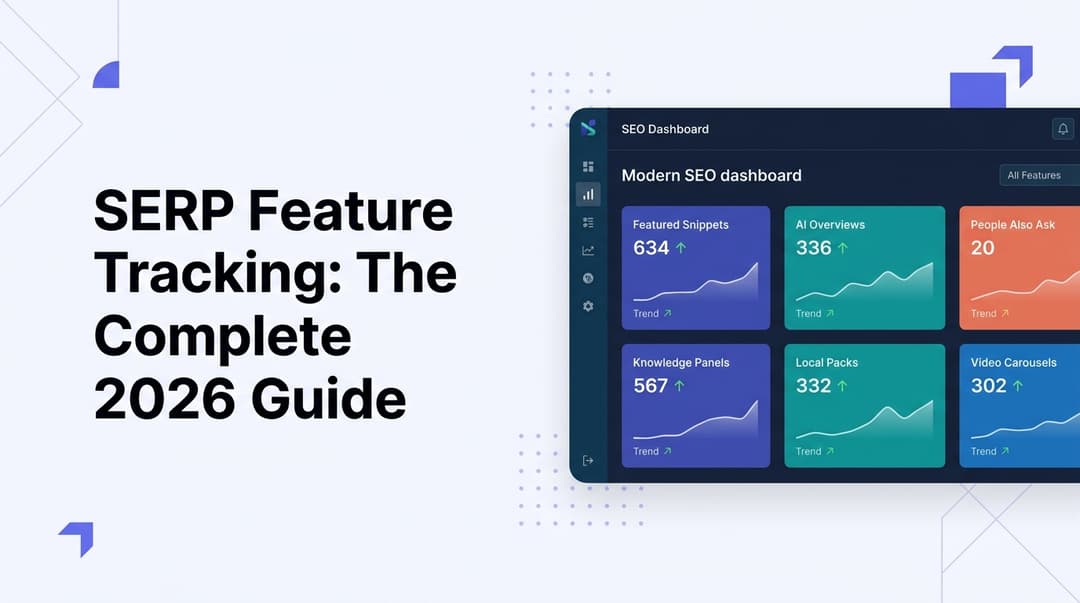
SERP Feature Tracking: The Complete 2026 Guide
Learn how to track SERP features in 2026—from featured snippets to AI Overviews. Master the tools, tactics, and strategies to dominate modern search results.
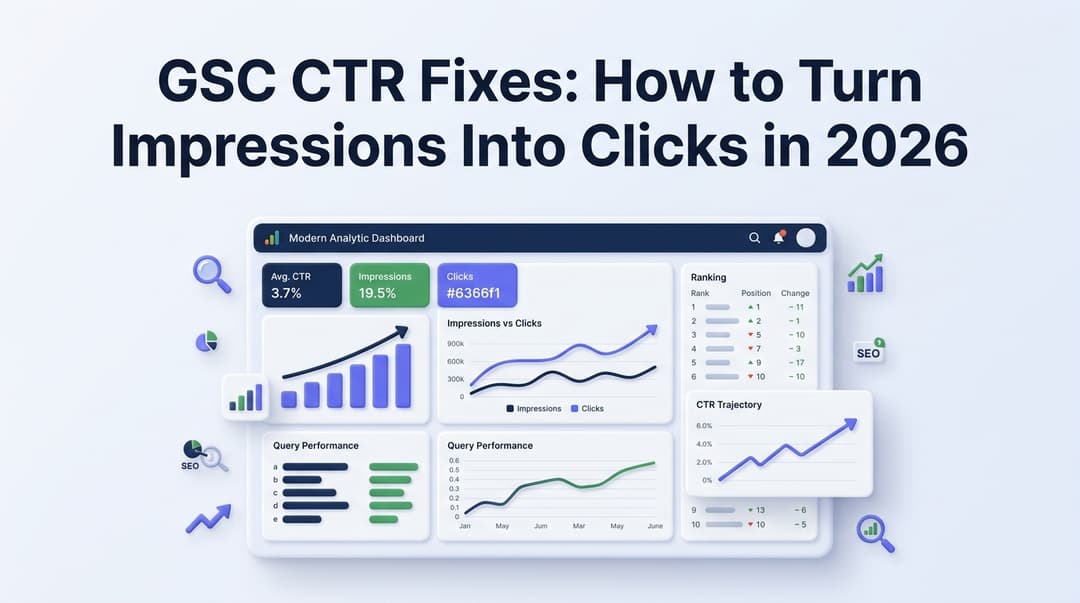
GSC CTR Fixes: How to Turn Impressions Into Clicks in 2026
Discover actionable GSC CTR fixes for 2026. Learn how to identify low click-through rate pages in Google Search Console and turn impressions into real traffic.