Free Favicon Checker
Verify if your website's favicon meets Google's requirements for display in search results. Enter your website URL below to check your favicon configuration.
Check Your Website's Favicon
QuickSEO shows clicks, impressions, keywords and pages for every website you manage, compared with the period before.
- Unlimited websites on the free plan
- No credit card needed
Why Is Your Favicon Important?
Favicons are small icons that represent your website in browser tabs, bookmarks, and search results. When properly configured, your favicon can appear in Google Search results, enhancing your brand visibility and making your site more recognizable to users scanning through search results.
Google's Favicon Requirements
For your favicon to appear in Google Search results, it must meet these requirements:
- Must be a square image with a 1:1 aspect ratio
- Minimum size of 8x8 pixels (Google recommends larger than 48x48px)
- Must be properly linked in your website's home page
- Must be crawlable by Googlebot-Image
- Should visually represent your website's brand
- Must use a stable URL (don't change it frequently)
- Must not contain inappropriate imagery
How to Implement a Favicon for Google Search
- Create a favicon that follows Google's guidelines (square format, appropriate size)
- Add a link tag to the header of your home page with the following syntax:
<link rel="icon" href="/path/to/favicon.ico"> - Ensure the favicon is crawlable - don't block it in your robots.txt file
- Wait for Google to recrawl your home page (can take several days to weeks)
- Request indexing of your site's home page using Google's URL Inspection tool to speed up the process
Supported Favicon Link Types
Google supports several rel attribute values for specifying a favicon:
icon- The standard icon that represents your site (recommended)shortcut icon- An earlier, alternative version of icon (also supported)apple-touch-icon- An iOS-friendly icon that represents your siteapple-touch-icon-precomposed- An alternative icon for earlier versions of iOS
Important Limitations
- One favicon per hostname: Google Search only supports one favicon per site, where a site is defined by the hostname.
- Subdomains can have different favicons: For example,
example.comandblog.example.comcan have different favicons. - Subdirectories cannot have different favicons: For example,
example.com/blogwill use the same favicon asexample.com. - No guarantee of display: Even if all requirements are met, Google doesn't guarantee that your favicon will appear in search results.
Common Favicon Issues
- Missing favicon link: No
<link>tag with appropriaterelattribute in your home page's<head>section - Incorrect aspect ratio: Favicon is not square (1:1 aspect ratio)
- Too small: Favicon is smaller than the minimum required size
- Blocked from crawling: Favicon URL is blocked in robots.txt or by other means
- Inappropriate content: Favicon contains imagery that Google deems inappropriate
- Unstable URL: Favicon URL changes frequently
Frequently Asked Questions
How long does it take for my favicon to appear in Google Search?
After implementing or updating your favicon, it can take anywhere from several days to several weeks for Google to recrawl your home page and process the new information. You can speed up this process by using Google's URL Inspection tool in Search Console to request indexing of your home page.
What file formats are supported for favicons?
Google supports any valid favicon format, including ICO, PNG, SVG, GIF, and JPEG. However, ICO and PNG are the most commonly used formats for favicons.
Can I use a CDN to host my favicon?
Yes, your favicon doesn't need to be hosted on your site. It can be hosted on a content delivery network (CDN) or any other accessible location. The URL can be a relative path or an absolute path.
Why isn't my favicon showing in Google Search results?
Even if your favicon meets all requirements, Google doesn't guarantee it will appear in search results. Additionally, if Google deems your favicon inappropriate, it will be replaced with a default icon.
QuickSEO shows clicks, impressions, keywords and pages for every website you manage, compared with the period before.
- Unlimited websites on the free plan
- No credit card needed
From the blog
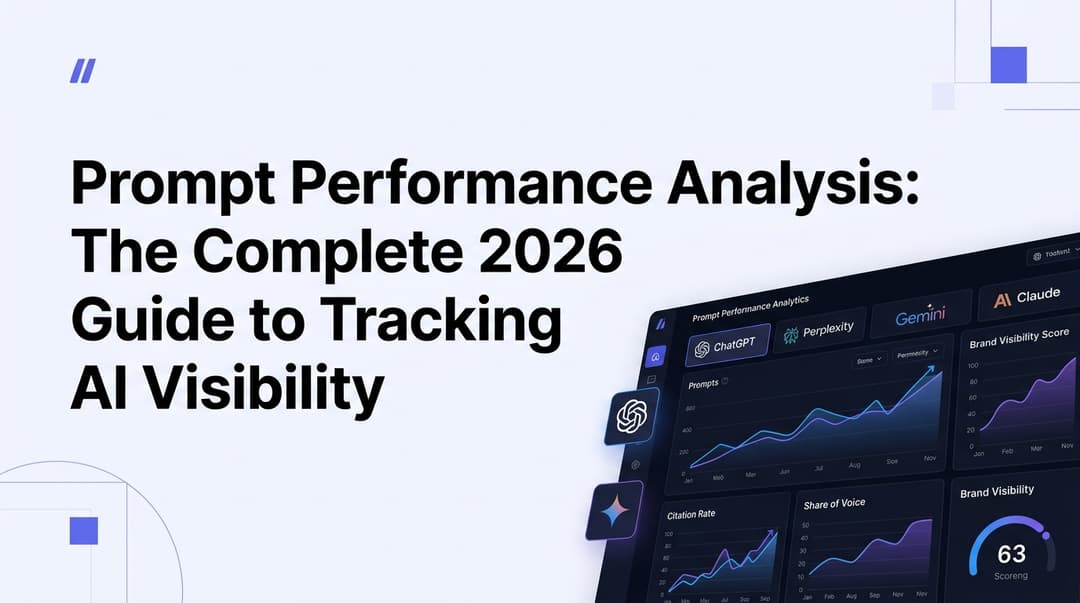
Prompt Performance Analysis: The Complete 2026 Guide to Tracking AI Visibility
Learn how to analyze prompt performance across ChatGPT, Perplexity, Gemini & Claude in 2026. Master AI visibility metrics, share of voice, and citation tracking.

GSC CTR Optimization: The Complete 2026 Guide to Turning Impressions into Clicks
Learn how to use Google Search Console data to find low-CTR pages and fix them with proven 2026 tactics — title tags, meta descriptions, rich snippets, and more.