Free Page Links Extractor
Extract and analyze every link on any web page. Instantly identify which links are dofollow or nofollow, internal or external, and check for UGC and sponsored attributes — all in one scan.
Extract Page Links
QuickSEO shows clicks, impressions, keywords and pages for every website you manage, compared with the period before.
- Unlimited websites on the free plan
- No credit card needed
Why Analyzing Page Links Matters for SEO
Links are the backbone of how search engines discover and rank web pages. Every link on your page sends signals to Google about your site structure, content relationships, and which pages you consider most important. A poorly structured link profile — too many nofollow internal links, missing link equity to key pages, or improperly tagged sponsored links — can silently undermine your rankings.
Regular link audits help you ensure that link equity flows to your highest-value pages, paid and sponsored links are properly disclosed, user-generated content links are tagged correctly, and your internal linking structure supports your SEO strategy.
Link Attribute Types
Modern HTML supports several link relationship attributes:
- Dofollow (default): Standard links with no restrictive
relattribute. These pass full link equity to the target page. - Nofollow (
rel="nofollow"): Tells search engines not to pass link equity. Used for untrusted content, paid links, or links you don't want to endorse. - UGC (
rel="ugc"): Marks links within user-generated content such as comments, forum posts, and reviews. - Sponsored (
rel="sponsored"): Identifies paid placements, advertisements, and sponsored content links.
How to Use This Tool
- Enter a URL — paste the full URL of the page you want to analyze (e.g.,
https://example.com/blog/my-post) - Click "Extract Links" — the tool fetches the page and parses every anchor tag from the HTML
- Review the summary — see total link counts broken down by type: internal vs external, dofollow vs nofollow
- Filter and explore— use the filter buttons to focus on specific link types and review each link's URL, anchor text, and attributes
Common Link Issues to Watch For
- Nofollow on internal links:Adding nofollow to your own internal links wastes link equity. Unless there's a specific reason (like login pages), internal links should be dofollow.
- Sponsored links without disclosure: Paid links must use
rel="sponsored"orrel="nofollow". Failing to disclose paid links can result in a Google manual action penalty. - Too many external links: A page with an excessive number of outbound links relative to content may appear spammy. Keep outbound links relevant and useful.
- Missing anchor text:Links with no visible text (or only an image with no alt text) provide no context to search engines about the linked page's content.
- UGC links without proper tagging: Comment sections and forums should tag user-submitted links with
rel="ugc"to protect your site from link spam penalties.
Frequently Asked Questions
What is the difference between dofollow and nofollow links?
Dofollow links (the default) pass link equity (PageRank) to the linked page, helping it rank higher in search results. Nofollow links include a rel="nofollow" attribute that tells search engines not to pass link equity. Both types still allow users to click through to the destination — the difference is purely about how search engines treat the link signal.
What are UGC and sponsored link attributes?
UGC (User Generated Content) and sponsored are rel attribute values introduced by Google in 2019. Use rel="ugc" for links from user-generated content like comments and forum posts, and rel="sponsored" for paid or sponsored links. These help search engines understand the nature and intent of links on your page.
Why should I analyze the links on my page?
Analyzing page links helps you audit your internal linking structure to ensure important pages receive link equity, identify external links that may need nofollow attributes, check that paid links are properly disclosed as sponsored, verify that UGC links are tagged correctly, and understand how link equity flows through your site.
How many links should a page have?
Google has stated there is no hard limit on the number of links per page, but best practice is to keep links reasonable and relevant. Historically, the recommendation was under 100 links per page, but modern sites can have more as long as each link provides value. Focus on linking to content that genuinely helps your readers rather than hitting a specific number.
Do nofollow links have any SEO value?
Since 2019, Google treats nofollow as a "hint" rather than a strict directive, meaning it may still choose to follow and index nofollow links in some cases. Beyond direct SEO, nofollow links can drive referral traffic, increase brand awareness, and lead to natural dofollow links from other sites that discover your content through the nofollow link.
QuickSEO shows clicks, impressions, keywords and pages for every website you manage, compared with the period before.
- Unlimited websites on the free plan
- No credit card needed
From the blog
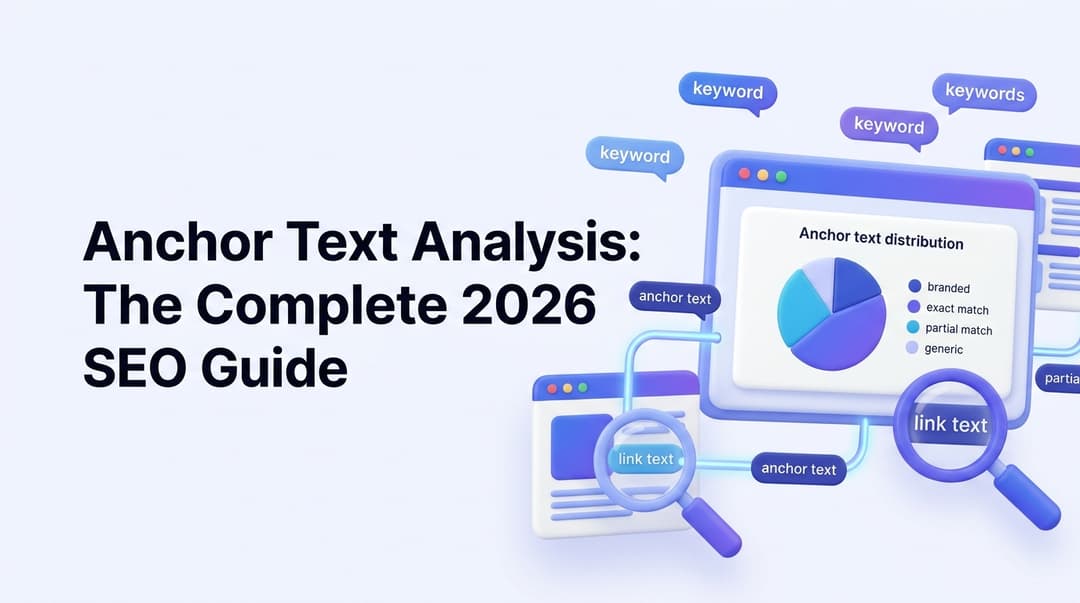
Anchor Text Analysis: The Complete 2026 SEO Guide
Master anchor text analysis in 2026. Learn the 7 anchor types, safe distribution ratios, internal vs external strategy, audit steps, and how to avoid penalties.

Do Backlinks Still Matter for AI Search? The 2026 Mechanism Breakdown
Ahrefs' 75,000-brand study found branded mentions correlate 3x stronger than backlinks with AI Overview visibility. Here's the actual mechanism behind the split, the 2026 data behind it, and where experts disagree.
Related Tools
Check if a page is blocked from search engine indexing via noindex tags or headers.
HTTP Header CheckerInspect HTTP response headers for security, caching, and SEO issues.
Sitemap URL ExtractorExtract all URLs from any XML sitemap instantly.
Robots.txt ValidatorCheck your robots.txt file for crawling and indexing issues.