Free SERP Preview Tool
See exactly how your page will look in Google search results before you publish. Enter your title, URL, and meta description to get a pixel-perfect live preview with character and pixel-width counters.
Enter Your Page Details
Google SERP Preview
Title Length
0
/ 60 chars
Title Width
0
/ 600px
Desc Length
0
/ 160 chars
Status
Empty
Quick Tips
- • Keep titles under 60 characters (600px) to avoid truncation in search results
- • Write descriptions between 120-160 characters to maximize snippet space
- • Include your primary keyword near the beginning of the title
- • Make descriptions action-oriented to improve click-through rate
- • Avoid duplicate titles and descriptions across pages
QuickSEO shows clicks, impressions, keywords and pages for every website you manage, compared with the period before.
- Unlimited websites on the free plan
- No credit card needed
Why SERP Previews Matter for SEO
Your title tag and meta description are your organic advertisement in search results. They are the first thing users see before deciding whether to click your link. Even with a top-3 ranking, a poorly written or truncated title can significantly reduce your click-through rate (CTR) — which in turn signals to Google that your result is less relevant and can cause ranking drops over time.
Google does not measure title length in characters but in pixels. A title rendered in a bold font can use more or less pixel space than one measured by character count alone. This tool estimates pixel width using an average character width of 7px, which provides a close approximation of how Google renders titles in most cases.
Title Tag Best Practices
- Keep titles under 60 characters (approximately 600px) to avoid truncation with an ellipsis in search results.
- Place the primary keyword near the beginning — Google weights words earlier in the title more heavily.
- Include your brand nameat the end, separated by a pipe or dash: "Target Keyword | Brand Name".
- Write for humans first — the title should be compelling and accurately describe the page content to earn clicks.
- Avoid keyword stuffing — repeating the same keyword multiple times does not help rankings and looks spammy to users.
- Make every title unique — duplicate titles confuse Google and users about which page to visit.
Meta Description Best Practices
Meta descriptions do not directly influence rankings but they significantly affect CTR. Google truncates descriptions that exceed approximately 160 characters in desktop results and around 130 characters on mobile.
- Write descriptions between 120–160 characters to use the available space fully
- Include a clear call to action (e.g., "Learn how to", "Discover", "Get started")
- Naturally include your primary keyword — Google bolds matching terms in results
- Match the intent of the search query the page is targeting
- Make each description unique across all pages on your site
QuickSEO shows clicks, impressions, keywords and pages for every website you manage, compared with the period before.
- Unlimited websites on the free plan
- No credit card needed
From the blog
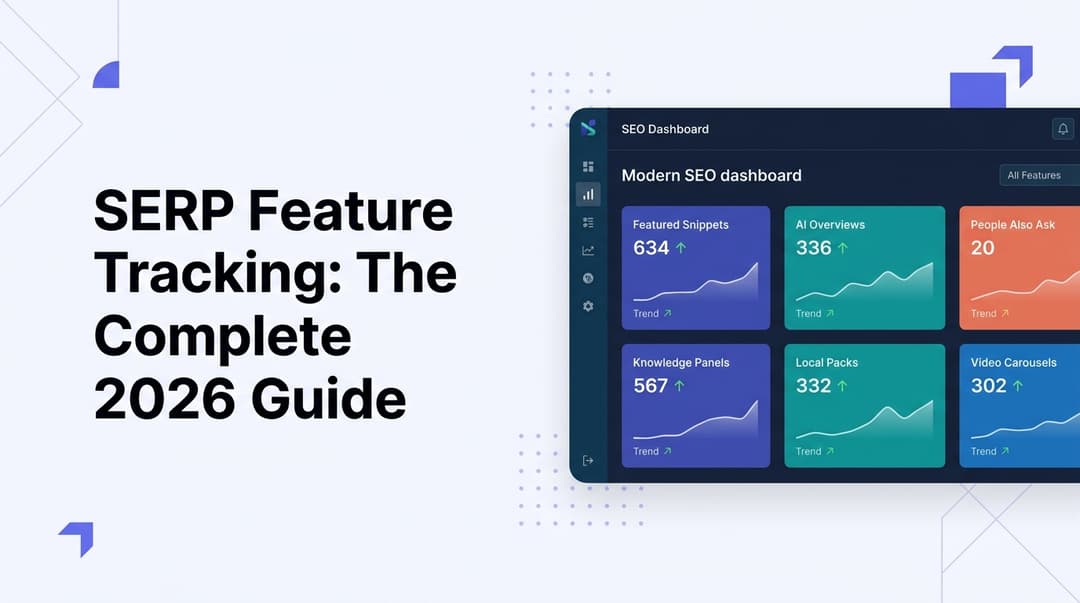
SERP Feature Tracking: The Complete 2026 Guide
Learn how to track SERP features in 2026—from featured snippets to AI Overviews. Master the tools, tactics, and strategies to dominate modern search results.
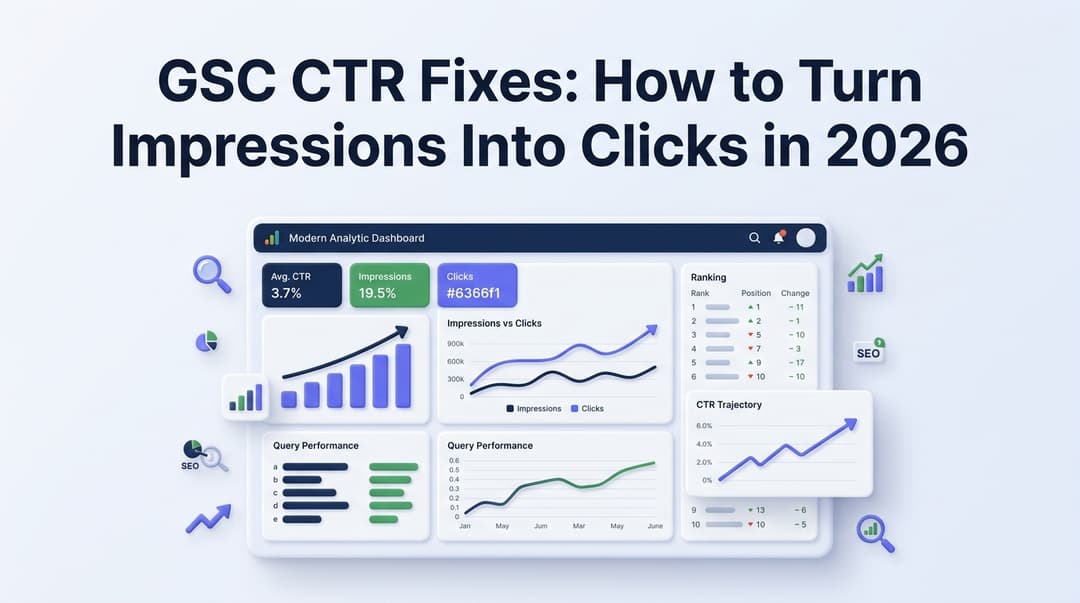
GSC CTR Fixes: How to Turn Impressions Into Clicks in 2026
Discover actionable GSC CTR fixes for 2026. Learn how to identify low click-through rate pages in Google Search Console and turn impressions into real traffic.
Related Tools
Extract and analyze all meta tags from any URL.
AI Meta Description GeneratorGenerate optimized meta descriptions with AI.
AI Title Tag GeneratorGenerate SEO-optimized title tags with AI CTR scores.
Google Ads Preview ToolMock up a paid responsive search ad, with Google’s 30/90/15 character limits.