Free SSL Certificate Checker
Check the SSL certificate status, expiry date, and HTTPS configuration for any domain. Verify that HTTP redirects to HTTPS, HSTS is enabled, and your certificate is not expired or expiring soon — all critical factors for security and SEO.
Check SSL Certificate
QuickSEO shows clicks, impressions, keywords and pages for every website you manage, compared with the period before.
- Unlimited websites on the free plan
- No credit card needed
Why SSL and HTTPS Matter for SEO
Google has used HTTPS as a ranking signal since 2014, and the weighting has increased over time. Beyond ranking, HTTPS is fundamentally a user trust signal — browsers display "Not Secure" warnings for HTTP pages, which can cause visitors to immediately leave. Chrome now marks all HTTP sites as not secure by default.
An expired or misconfigured SSL certificate is one of the most damaging technical issues a site can have. When a certificate expires, visitors see a full-page browser warning that most users will not bypass. Search engines may also de-rank or deindex pages they cannot access securely.
What This Tool Checks
HTTPS Availability
Verifies that your site loads correctly over HTTPS. If HTTPS is not working, visitors will see browser security warnings and search engines may penalize your rankings.
HTTP → HTTPS Redirect
Confirms that HTTP visitors are automatically redirected to the secure HTTPS version. Without this, some users may access the insecure version, and you may have duplicate content issues.
HSTS Header
HTTP Strict Transport Security (HSTS) instructs browsers to always use HTTPS for your domain, even if someone types "http://" directly. This prevents downgrade attacks and mixed content issues.
Certificate Details
Shows certificate issuer, validity period, and days remaining from the crt.sh certificate transparency log. Get advance warning before your certificate expires.
SSL Certificate Best Practices
- Renew certificates at least 30 days before expiry— set calendar reminders or use a certificate management tool with auto-renewal (Let's Encrypt offers free 90-day certificates with automated renewal).
- Enable HSTS with a long max-age — start with a short max-age (e.g., 3600 seconds) to test, then increase to 31,536,000 (1 year) once you are confident in your HTTPS setup.
- Use a 301 redirect from HTTP to HTTPS — not a 302, to ensure link equity is properly transferred to the HTTPS version.
- Fix mixed content warnings — ensure all resources (images, scripts, stylesheets) on your HTTPS pages are loaded over HTTPS, not HTTP.
- Consider HSTS preloading — once your HSTS header is stable, submit your domain to the HSTS preload list so browsers enforce HTTPS before making any HTTP request at all.
QuickSEO shows clicks, impressions, keywords and pages for every website you manage, compared with the period before.
- Unlimited websites on the free plan
- No credit card needed
From the blog
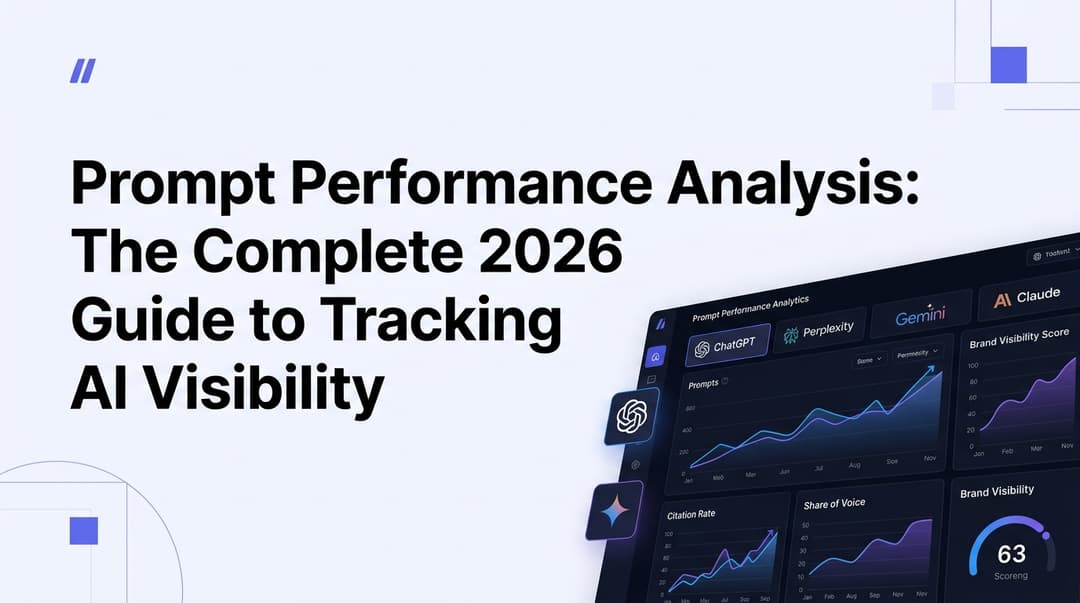
Prompt Performance Analysis: The Complete 2026 Guide to Tracking AI Visibility
Learn how to analyze prompt performance across ChatGPT, Perplexity, Gemini & Claude in 2026. Master AI visibility metrics, share of voice, and citation tracking.

GSC CTR Optimization: The Complete 2026 Guide to Turning Impressions into Clicks
Learn how to use Google Search Console data to find low-CTR pages and fix them with proven 2026 tactics — title tags, meta descriptions, rich snippets, and more.