Free Website Tech Stack Detector
Enter any URL to detect the CMS, JavaScript frameworks, analytics tools, CDN, fonts, and hosting provider. Analyze the technology behind any website in seconds — like a lightweight BuiltWith.
Detect Website Technologies
QuickSEO shows clicks, impressions, keywords and pages for every website you manage, compared with the period before.
- Unlimited websites on the free plan
- No credit card needed
Why Knowing a Website's Tech Stack Matters
Every website is built on a combination of technologies — from content management systems and JavaScript frameworks to analytics tools and CDN providers. Understanding what technologies a site uses has practical applications across SEO, web development, sales, and competitive intelligence.
- Competitive analysis: See what CMS, frameworks, and tools your competitors use to identify what works in your industry.
- Technical SEO audits: Identify heavy analytics scripts, missing CDN setup, or server misconfigurations that affect performance.
- Migration planning: Know exactly what technologies are in use before planning a website redesign or platform migration.
- Sales prospecting: Qualify leads based on their current tech stack — for example, finding all Shopify stores or sites without analytics.
- Learning: Discover what technologies power the websites you admire and learn from their architecture decisions.
What Technologies Can We Detect?
- CMS / Platforms: WordPress, Shopify, Wix, Squarespace, Drupal, Joomla, Ghost, Webflow, HubSpot CMS
- JavaScript Frameworks: React, Next.js, Vue.js, Nuxt, Angular, Svelte, SvelteKit, jQuery, Alpine.js
- Analytics & Tracking: Google Analytics, Google Tag Manager, Plausible, Fathom, Hotjar, Mixpanel, Segment, Amplitude, Vercel Analytics, PostHog, Heap, Microsoft Clarity, Facebook Pixel
- CDN / Edge: Cloudflare, AWS CloudFront, Fastly, Vercel, Netlify, Akamai, Bunny CDN, KeyCDN
- Server / Hosting: nginx, Apache, LiteSpeed, Microsoft IIS, Caddy, Express.js, PHP, ASP.NET
- Fonts: Google Fonts, Adobe Fonts (Typekit), Font Awesome, self-hosted web fonts
- Other: Tailwind CSS, Bootstrap, Stripe, reCAPTCHA, hCaptcha, Intercom, Crisp, Drift, Zendesk, LiveChat, Sentry, Cookiebot, OneTrust
How to Use This Tool
- Enter a URL — Type or paste any website URL. The tool automatically adds https:// if missing.
- Click "Detect" — The tool fetches the page HTML and response headers, then analyzes them against known technology signatures.
- Browse results by category — Technologies are grouped into CMS, Frameworks, Analytics, CDN, Server, Fonts, and Other for easy scanning.
- Check confidence levels — Each detection includes a confidence badge (High, Medium, or Low) and the specific evidence that triggered the match.
Understanding Detection Confidence
Not all technology detections carry the same level of certainty. The confidence level tells you how definitive the evidence is:
- High confidence:Definitive evidence was found, such as unique HTTP headers (e.g., Cloudflare's
cf-ray), meta generator tags, or proprietary file paths (e.g., WordPresswp-content). These are almost certainly correct. - Medium confidence: Strong but not conclusive signals were detected. For example, script references that strongly suggest a technology but could theoretically appear in other contexts.
- Low confidence: The detection is based on indirect evidence like CSS class naming patterns. While often correct, these have a higher chance of false positives and should be verified.
Frequently Asked Questions
How does the tech stack detector work?
The tool fetches the target URL and analyzes its HTML source code, HTTP response headers, meta tags, script sources, and link elements for known technology signatures. Each technology has unique fingerprints — for example, WordPress sites include "wp-content" paths, and Cloudflare adds a "cf-ray" header.
What is the difference between high, medium, and low confidence?
High confidence means the tool found definitive evidence like unique headers, meta generator tags, or proprietary file paths. Medium confidence indicates strong but not conclusive signals. Low confidence means the detection is based on class name patterns or indirect evidence that could have other explanations.
Why might some technologies not be detected?
Some websites actively obscure their tech stack by removing generator meta tags, using custom builds, or proxying through CDNs that strip identifying headers. Server-side technologies like databases and backend languages typically cannot be detected from the frontend alone. JavaScript frameworks loaded asynchronously or behind authentication may also be missed.
Is this tool similar to BuiltWith or Wappalyzer?
Yes, it serves a similar purpose. Like BuiltWith and Wappalyzer, this tool identifies technologies used by websites. It performs a single-page analysis of HTML source and HTTP headers, making it fast and free. For deeper analysis including JavaScript execution and multiple page crawling, dedicated browser extensions may detect additional technologies.
Why is knowing a website's tech stack useful for SEO?
Understanding a site's tech stack helps with competitive analysis (what CMS and tools do top-ranking sites use), technical audits (identifying performance bottlenecks from heavy scripts), migration planning (knowing what you're working with before a redesign), and sales prospecting (qualifying leads based on their current technology choices).
QuickSEO shows clicks, impressions, keywords and pages for every website you manage, compared with the period before.
- Unlimited websites on the free plan
- No credit card needed
From the blog
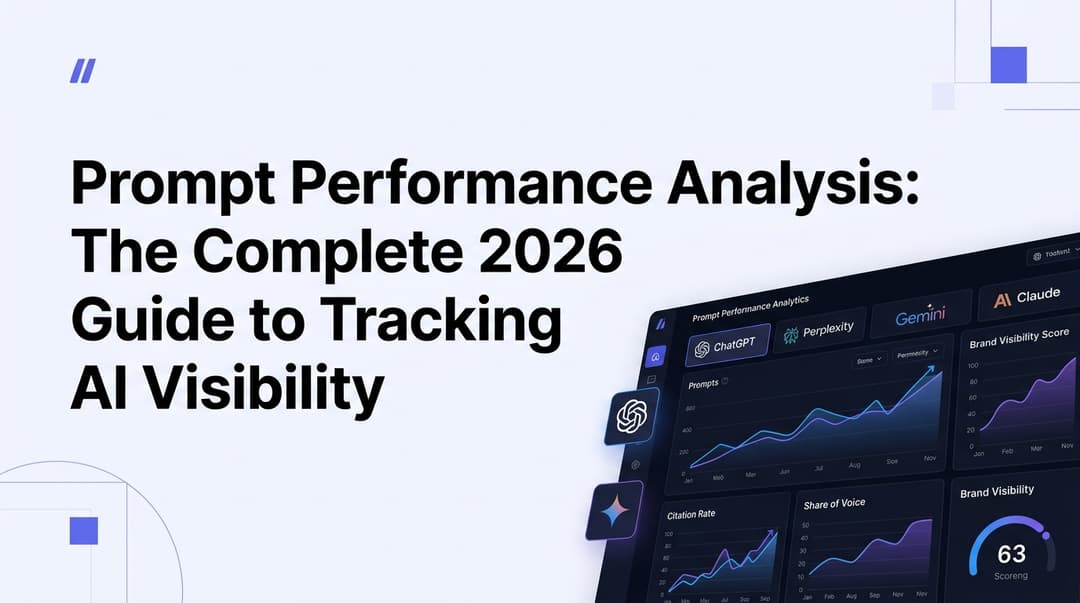
Prompt Performance Analysis: The Complete 2026 Guide to Tracking AI Visibility
Learn how to analyze prompt performance across ChatGPT, Perplexity, Gemini & Claude in 2026. Master AI visibility metrics, share of voice, and citation tracking.
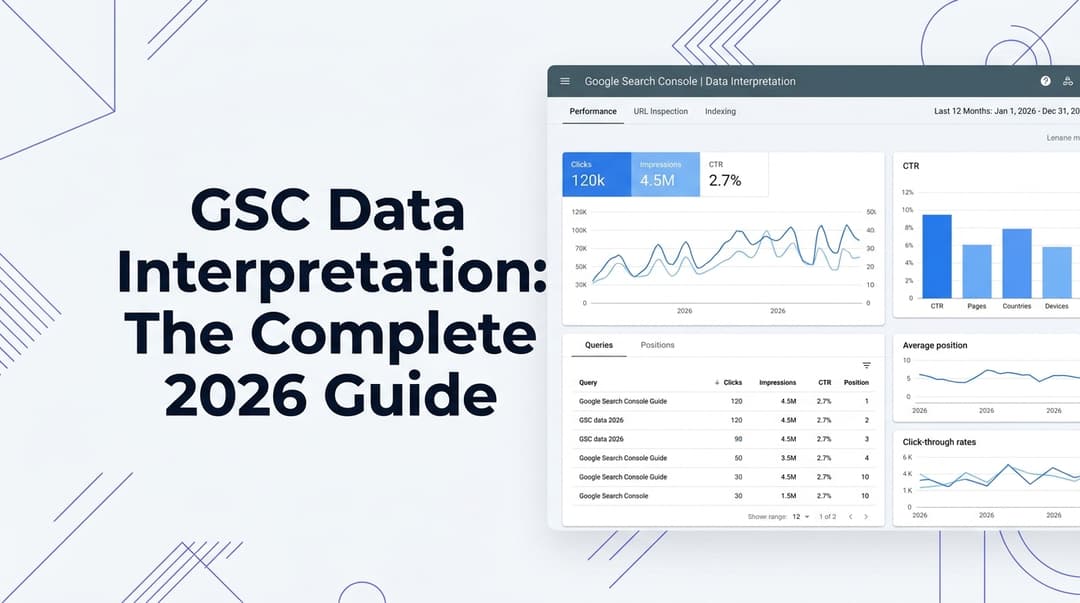
GSC Data Interpretation: The Complete 2026 Guide to Turning Search Console Numbers Into SEO Wins
Master Google Search Console data interpretation in 2026. Learn how to read clicks, impressions, CTR, average position, indexing reports, and AI Overview signals.