Free Open Graph Checker
Check and preview Open Graph and Twitter Card meta tags from any URL. See exactly how your page will appear when shared on Facebook, LinkedIn, and Twitter/X — and find any missing tags that are hurting your social media click-through rate.
Check Open Graph Tags
QuickSEO shows clicks, impressions, keywords and pages for every website you manage, compared with the period before.
- Unlimited websites on the free plan
- No credit card needed
What Are Open Graph Tags?
Open Graph (OG) tags are meta tags that control how your web pages appear when shared on social media platforms. Originally developed by Facebook in 2010, they are now the standard used by Facebook, LinkedIn, Slack, Discord, WhatsApp, and many other platforms to generate link preview cards.
Without OG tags, social platforms scrape whatever content they can find from your page — often resulting in a poor preview with the wrong image, a truncated title, or no description at all. Adding proper OG tags takes minutes and can dramatically improve engagement when your content is shared.
Essential Open Graph Tags
| Tag | Required | Description |
|---|---|---|
| og:title | Yes | Title displayed in the link preview (max 60–90 chars) |
| og:description | Yes | Preview description (max 155–200 chars) |
| og:image | Yes | Preview image URL — use 1200×630px for best results |
| og:url | Yes | Canonical URL of the page |
| og:type | Recommended | Content type: "website", "article", "product", etc. |
| og:site_name | Recommended | Your website or brand name |
| twitter:card | Yes for X | Card type: "summary" or "summary_large_image" |
Open Graph Image Specifications
The OG image is the most impactful element for social sharing CTR. Use these specifications for the best results across all platforms:
- Recommended size: 1200 × 630 pixels (1.91:1 aspect ratio)
- Minimum size: 600 × 315 pixels
- File format: JPG or PNG (WebP may not display on all platforms)
- File size: Under 8MB (prefer under 1MB for fast loading)
- Always use absolute URLs — relative paths will not work
- Add og:image:alt for accessibility
QuickSEO shows clicks, impressions, keywords and pages for every website you manage, compared with the period before.
- Unlimited websites on the free plan
- No credit card needed
From the blog
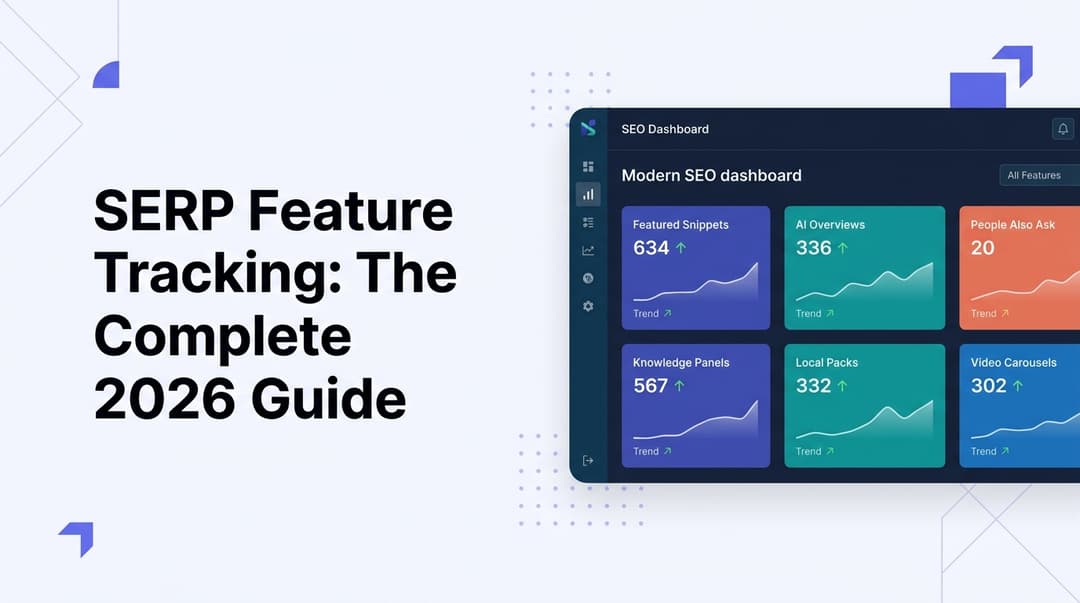
SERP Feature Tracking: The Complete 2026 Guide
Learn how to track SERP features in 2026—from featured snippets to AI Overviews. Master the tools, tactics, and strategies to dominate modern search results.
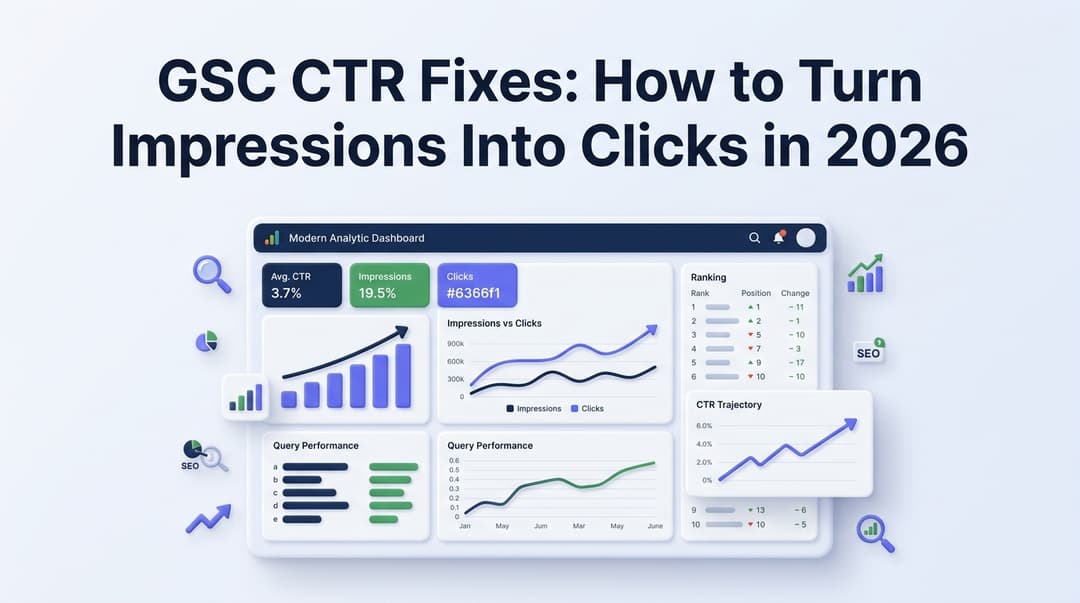
GSC CTR Fixes: How to Turn Impressions Into Clicks in 2026
Discover actionable GSC CTR fixes for 2026. Learn how to identify low click-through rate pages in Google Search Console and turn impressions into real traffic.