Free Title Pixel Width Tester
Enter any URL to measure the rendered pixel width of its title tag. See whether your title will be truncated in Google search results on desktop and mobile, with a visual SERP preview and optimization suggestions.
Check Title Pixel Width
QuickSEO shows clicks, impressions, keywords and pages for every website you manage, compared with the period before.
- Unlimited websites on the free plan
- No credit card needed
Why Pixel Width Matters More Than Character Count
The "keep titles under 60 characters" rule is an oversimplification. Google does not truncate title tags based on character count — it truncates based on pixel width. A title full of wide characters like W, M, and uppercase letters will be cut off at fewer characters, while a title with narrow characters like i, l, and t can display well beyond 60 characters without truncation.
For example, "SWIMMING WORLD CHAMPIONSHIP" (28 characters) takes up more pixel space than "elite lifestyle tips for 2026" (31 characters) because uppercase and wide letters consume significantly more horizontal space in Arial font, which Google uses to render SERP titles.
Google SERP Title Display Limits
- Desktop limit: ~580 pixels — Titles exceeding this width are truncated with an ellipsis (...). This roughly translates to 50-65 characters depending on the characters used.
- Mobile limit: ~920 pixels — Mobile SERPs use a smaller font (16px vs 20px) and wider layout, allowing more of the title to display. Most titles that fit on desktop will also fit on mobile.
- Font: Arial ~20px (desktop), ~16px (mobile) — Google renders SERP titles in Arial. Each character has a different pixel width, which is why measuring pixel width per-character gives the most accurate truncation prediction.
How to Optimize Title Tag Length
Front-load important keywords
Place your primary keyword and brand-critical words at the beginning of the title. Even if the title gets truncated, users and search engines will see the most important terms first.
Prefer narrow characters where possible
Lowercase letters are narrower than uppercase. Characters like i, l, t, r, and f take roughly half the space of W, M, or @. Use title case instead of ALL CAPS to save pixel space.
Use compact separators
Pipes (|) are narrower than dashes (—) or colons with spaces. Switching from " — " to " | " can save 10-15 pixels, which could prevent truncation.
Remove filler words
Words like "and", "the", "for", and "your" add pixel width without adding SEO value. Trim them when your title is close to the truncation limit.
How to Use This Tool
- Enter a URL — Type or paste any web page address. The tool automatically adds https:// if missing.
- Click "Check" — The tool fetches the page HTML and extracts the title tag.
- Review pixel widths — See the calculated desktop and mobile pixel widths with color-coded progress bars showing how close you are to the truncation limit.
- Check the SERP preview — See exactly how your title would appear in Google search results, including truncation with ellipsis if applicable.
- Follow suggestions — Act on the specific recommendations to optimize your title length for maximum SERP visibility.
Frequently Asked Questions
Why does pixel width matter more than character count for title tags?
Google truncates title tags in search results based on pixel width, not character count. A title with 55 characters full of wide letters like W and M will be truncated, while a 65-character title using narrow letters like i, l, and t may display in full. Pixel width gives you the accurate picture of what users will actually see.
What is the maximum pixel width for title tags in Google SERPs?
On desktop, Google truncates titles at approximately 580 pixels. On mobile, the limit is wider at around 920 pixels due to the different layout. These values can vary slightly depending on the font rendering, but they are reliable guidelines for optimization.
What font does Google use for title tags in search results?
Google uses Arial at approximately 20px for desktop search result titles and 16px for mobile. This is why pixel width calculations should be based on Arial character metrics rather than generic character counts.
How can I fix a title that is too long in pixels?
Replace wide characters (W, M, @, %, uppercase letters) with narrower alternatives where possible. Use shorter synonyms, remove unnecessary words like "and" or "the", and front-load your most important keywords so they appear even if the title is truncated. You can also use pipes (|) instead of dashes as separators since they are narrower.
Does a truncated title hurt SEO rankings?
Truncation itself does not directly affect rankings because Google reads the full title tag regardless. However, truncated titles can hurt click-through rates because users see incomplete information. Since CTR is a user engagement signal, consistently low CTR from poor title display can indirectly impact rankings over time.
QuickSEO shows clicks, impressions, keywords and pages for every website you manage, compared with the period before.
- Unlimited websites on the free plan
- No credit card needed
From the blog
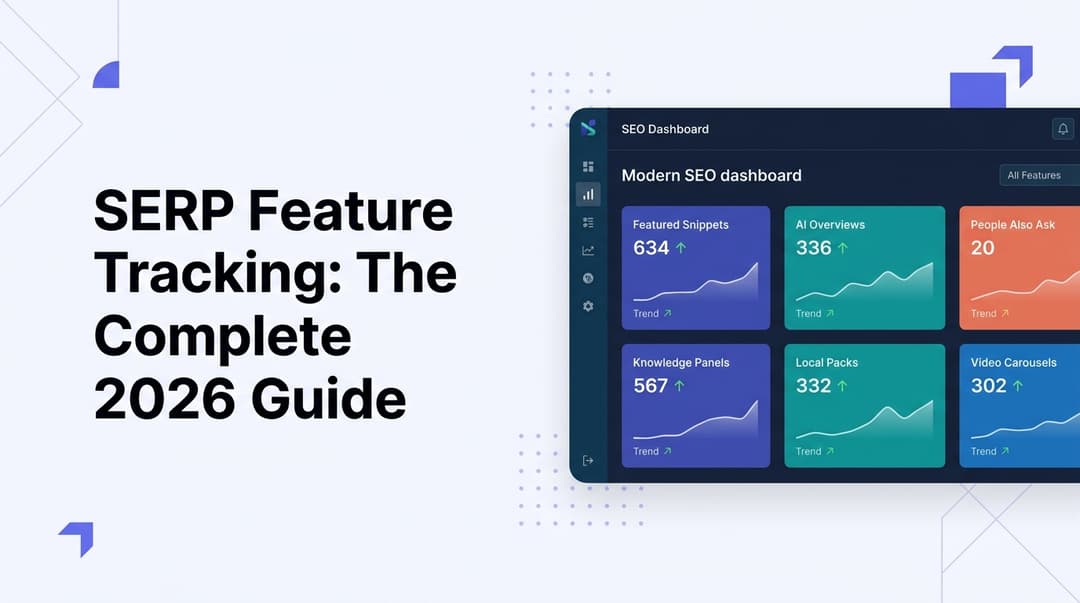
SERP Feature Tracking: The Complete 2026 Guide
Learn how to track SERP features in 2026—from featured snippets to AI Overviews. Master the tools, tactics, and strategies to dominate modern search results.
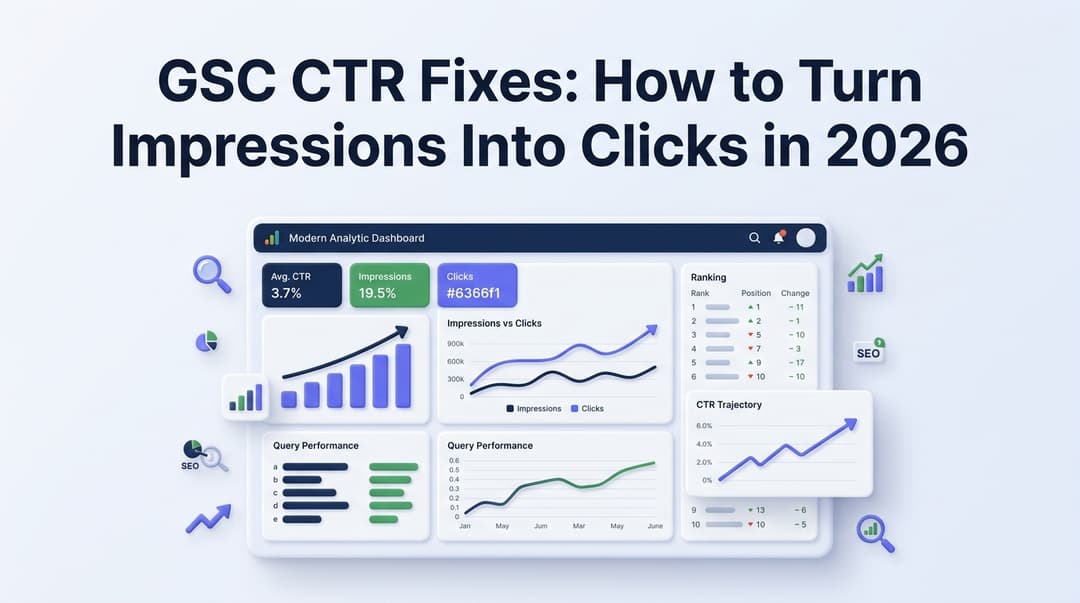
GSC CTR Fixes: How to Turn Impressions Into Clicks in 2026
Discover actionable GSC CTR fixes for 2026. Learn how to identify low click-through rate pages in Google Search Console and turn impressions into real traffic.
Related Tools
Preview how your pages appear in Google search results with real-time title and description character counters.
Meta Tag AnalyzerExtract and analyze all meta tags from any URL with completeness scores.
AI Title Tag GeneratorGenerate SEO-optimized title tags with CTR scores and AI visibility ratings.