QuickSEO Chrome Extension: Instant SEO Audit & AI Readiness Checker

 Summarize in ChatGPT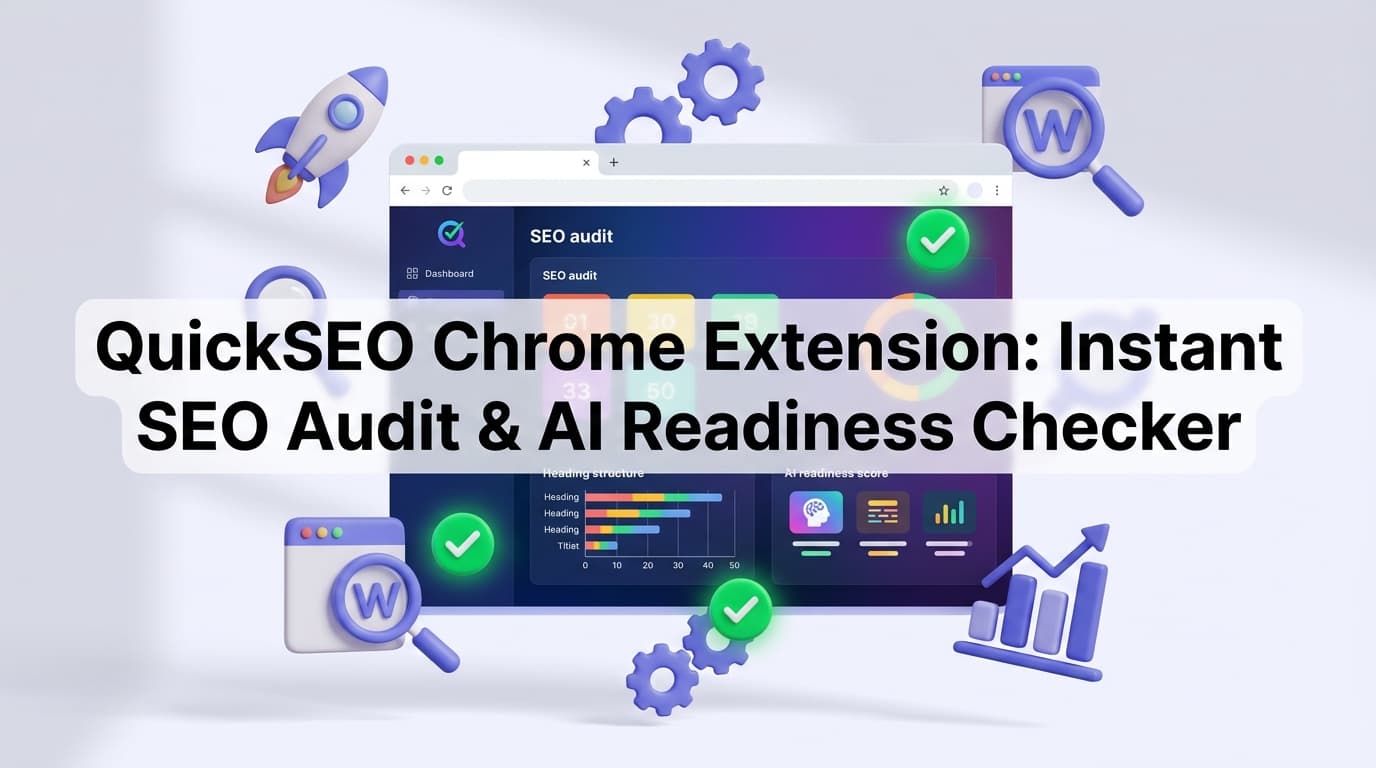
Search is no longer just about ranking on Google. In 2026, your content also needs to be discoverable, citable, and recommended by AI chatbots like ChatGPT, Claude, and Gemini. Yet most SEO tools were built years before AI search even existed — leaving a massive blind spot for marketers, content creators, and developers who want to stay ahead.
That's exactly why we built the QuickSEO Chrome extension. It's a completely free, no-signup browser tool that runs instant on-page SEO audits and AI readiness checks — all in a single click, directly inside Chrome, with zero data ever leaving your browser.
Here's everything you need to know about what it does, how it works, and why it matters.
What Is the QuickSEO Chrome Extension?
The QuickSEO Chrome extension is a lightweight but powerful browser companion that audits any webpage you're visiting in real time. Once installed, you simply click the extension icon on any page and immediately get a full breakdown of:
On-page SEO health — scored across 11 key factors
AI readiness — scored across 8 signals that determine whether AI chatbots can discover, understand, and cite your content
Link analysis — with a visual link highlighter that color-codes every link on the page
Unlike enterprise SEO suites that take time to configure and require expensive subscriptions, the QuickSEO extension is designed for speed. No account. No login. No waiting. Everything runs locally in your browser in seconds.
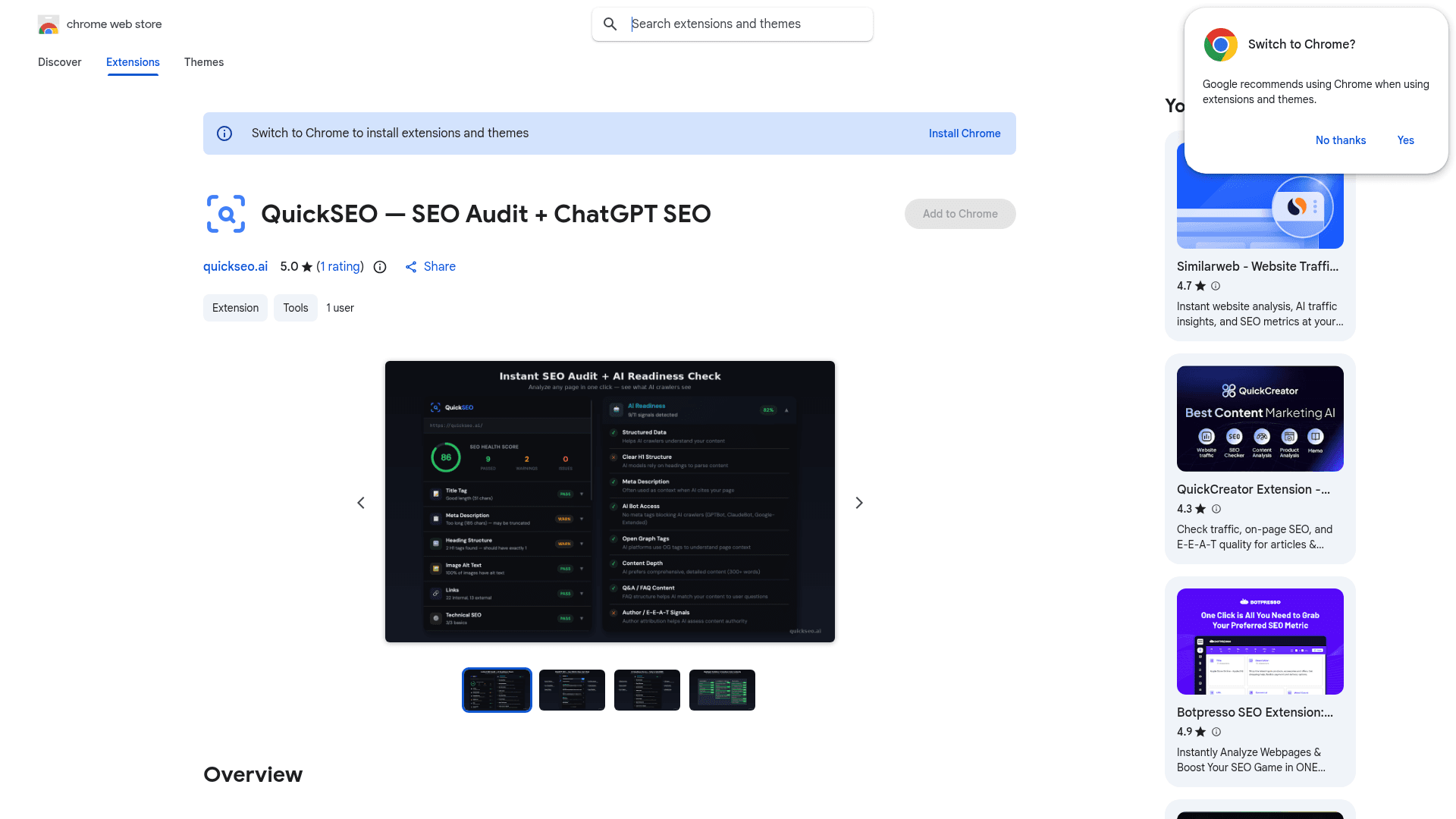
The QuickSEO extension on the Chrome Web Store — rated 5 stars and completely free to install.
Why SEO Audits Need to Cover AI in 2026
Traditional SEO tools analyze classic ranking factors: title tags, meta descriptions, heading structure, canonical tags, and so on. That's still essential — but it's only half the picture today.
AI chatbots are increasingly becoming primary information sources. When someone asks ChatGPT "what's the best CRM for startups?" or "where can I buy running shoes online?", those answers come from websites that have been crawled, understood, and deemed credible by AI systems. If your content isn't structured in a way that AI can comprehend — even if it ranks well in Google — you're invisible in AI search.
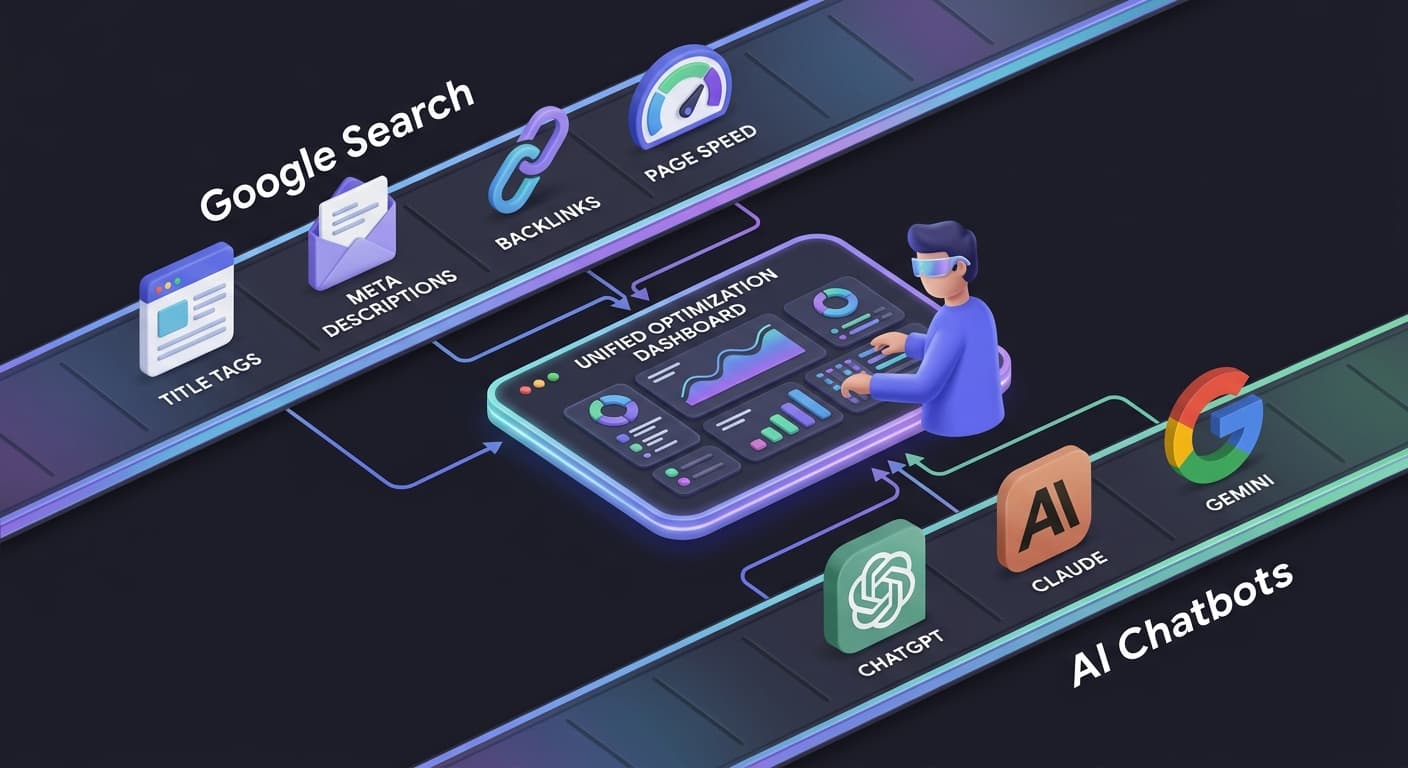
The QuickSEO extension bridges this gap by checking both traditional SEO signals and the newer AI-specific readiness factors at the same time.
On-Page SEO Checks: 11 Core Factors
When you run an audit with the extension, it evaluates your page across 11 fundamental SEO factors and gives you an overall 0–100 SEO Health Score. Here's what gets checked:
1. Title Tag Analysis
Detects missing title tags
Checks character length (optimal: 50–60 characters)
Warns when titles are too short or too long (truncation risk in SERPs)
Displays the full title text for immediate review
You can also preview how your title will appear in search results using QuickSEO's SERP Preview tool.
2. Meta Description Check
Detects missing meta descriptions
Validates length (optimal: 120–160 characters)
Flags descriptions at risk of truncation
Shows the full description text for quick review
3. Heading Structure Audit
Verifies a single H1 tag exists
Warns about multiple H1 tags or a missing H1
Visual bar chart showing H1–H6 distribution
Displays the H1 text for quick review
4. Image Alt Text Checker
Counts total images on the page
Identifies images missing the
altattributeFlags images with empty alt text
Shows percentage of images with proper alt text
5. Link Analysis
Counts and categorizes internal vs. external links
Identifies nofollow links
Detects broken or empty links (
href="#"orjavascript:void)Gives you a clear picture of your page's link profile at a glance
6. Technical SEO Checks
Canonical tag — detects self-referencing, missing, or cross-domain canonicals
Robots meta — identifies noindex, nofollow, noarchive, nosnippet directives
Viewport meta tag — ensures mobile-friendliness
Charset declaration — validates proper character encoding
Language attribute — checks for the HTML
langtag (important for international SEO)
7. Structured Data / Schema Markup
Detects JSON-LD structured data
Identifies all schema types (Article, Product, FAQPage, Organization, etc.)
Checks for Microdata markup
8. Open Graph & Social Tags
Checks for
og:title,og:description,og:image,og:typeValidates Twitter Card meta tags
Shows which tags are present and which are missing
9. Content Depth Analysis
Calculates word count (excluding navigation, headers, footers)
Flags thin content (under 300 words)
Identifies long-form content (5,000+ words)
The AI Readiness Score: What Makes This Extension Unique
This is where the QuickSEO extension stands apart from every other SEO Chrome extension on the market. The AI Readiness module checks 8 signals specifically tied to whether AI platforms can discover, parse, and cite your content.
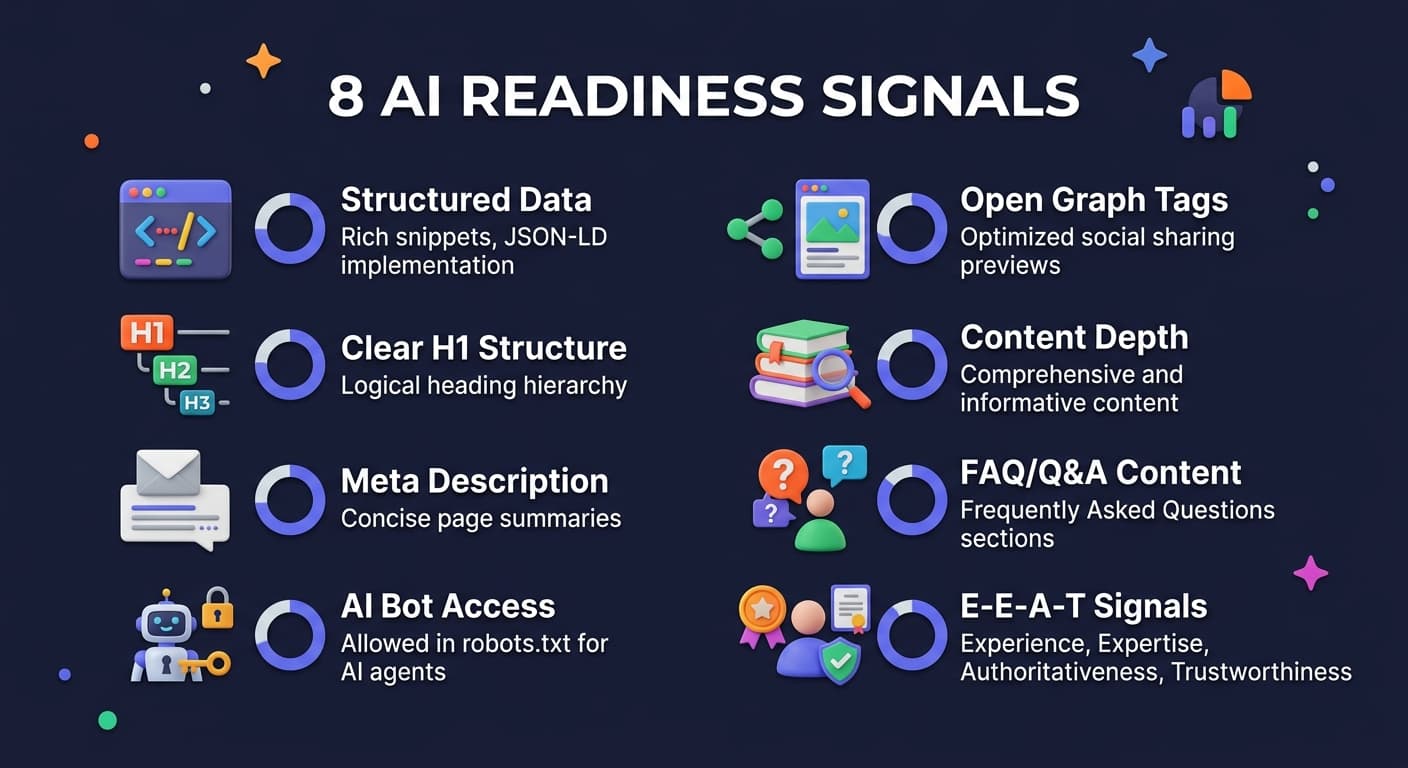
The 8 AI Readiness Signals
Structured Data — JSON-LD helps AI crawlers understand your content's meaning, relationships, and context. Pages with structured data are more likely to be cited accurately by AI chatbots.
Clear H1 Structure — AI models rely heavily on heading hierarchy to parse and understand page content. A single, descriptive H1 is critical for AI comprehension.
Meta Description — AI platforms often use meta descriptions as contextual summaries when citing your page. A well-written meta description increases the chance of accurate AI mentions.
AI Bot Access — Checks whether your page is blocking AI crawlers via meta tags. The extension detects GPTBot, ClaudeBot (CCBot), and Google-Extended blocking directives. If you're blocking these bots, AI platforms simply can't index your content.
Open Graph Tags — AI platforms use Open Graph metadata to understand page context, authorship, and topic. Complete OG tags improve your content's discoverability in AI responses.
Content Depth — AI models prefer comprehensive, detailed content (300+ words) when selecting sources to cite. Thin content is rarely referenced by ChatGPT, Claude, or Gemini.
Q&A / FAQ Content — FAQ schema (
FAQPage,QAPage) and HTMLdetails/summaryelements signal question-answer content to AI. This structured format directly maps to how users query chatbots.Author / E-E-A-T Signals — Author attribution via schema markup or meta tags helps AI assess content authority and expertise. Google's E-E-A-T framework is increasingly used by AI platforms to evaluate source quality.
Each signal is weighted by importance, and you get a clear percentage score. Failed checks auto-expand to show exactly what's missing and why it matters — no guesswork involved.
If you want to go deeper on how AI systems discover and evaluate sources, our guide on how AI finds and cites sources explains the full picture.
The Link Highlighter: Visual Dofollow/Nofollow Analysis
One of the most popular features in the extension is the Link Highlighter — a visual overlay that color-codes every single link on the page as you browse:
🟢 Green = Dofollow
🔴 Red = Nofollow
🟠 Orange = UGC
🟣 Purple = Sponsored
Small badges on each link show the rel type at a glance. A summary panel gives you the full link count by type. Toggle it on or off with one click.
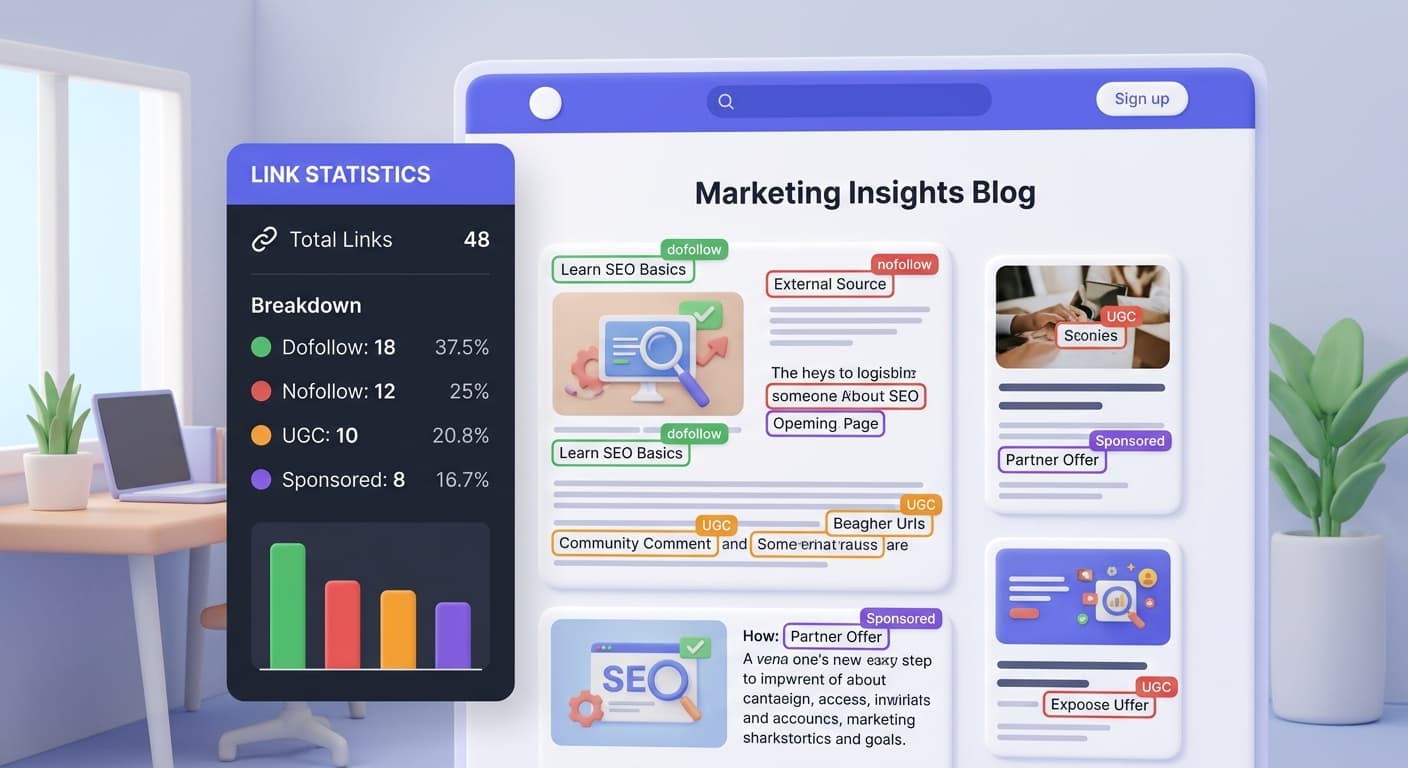
This is especially useful for:
Link building audits — quickly see which external links on a page pass PageRank
Competitor analysis — understand how a competitor structures their internal linking
Client QA — verify that paid or sponsored links are properly tagged
Privacy-First by Design
A lot of SEO extensions collect your browsing data, page visit history, or audit results and send them back to a server. The QuickSEO extension does none of that.
Here's the privacy commitment built into the extension:
No data collection — All analysis runs locally in your browser. Nothing is sent to any server.
No tracking — We don't track your browsing history, page visits, or audit results.
No account required — Install and use immediately. No signups, no email, no login.
Minimal permissions — Only requires
activeTab(to analyze the current page) andscripting(to run the audit code). No background processes, no persistent access.
This is confirmed directly in the Chrome Web Store, where the developer has officially disclosed that your data is not collected or used in any way.
Who Is the Extension For?
The QuickSEO Chrome extension is built for anyone who publishes or manages web content. That includes:
User Type | How They Use It |
|---|---|
SEO Professionals | Quick on-page audits without firing up expensive tools |
Content Creators & Bloggers | Ensure every post is optimized before publishing |
Web Developers | Verify technical SEO elements during development |
Digital Marketers | Check client pages and competitor sites in seconds |
Agency Teams | Fast QA checks across multiple client websites |
Startup Founders | Understand site SEO health without hiring an expert |
It's intentionally lightweight — designed to complement your existing SEO workflow rather than replace it. If you need deeper site-wide analytics, crawl data, and ongoing AI visibility tracking, that's what quickseo.ai is for.
How to Install and Use the Extension
Getting started takes less than 60 seconds:
**Visit the ****Chrome Web Store listing** and click Add to Chrome
Navigate to any webpage you want to audit
Click the QuickSEO icon in your browser toolbar
Review your SEO Health Score and AI Readiness Score — failed checks auto-expand so you can see critical issues immediately
Switch to the Link Highlighter tab to see all dofollow/nofollow links highlighted directly on the page
That's it. No configuration, no setup, no waiting. The extension is currently rated 5 out of 5 stars on the Chrome Web Store.
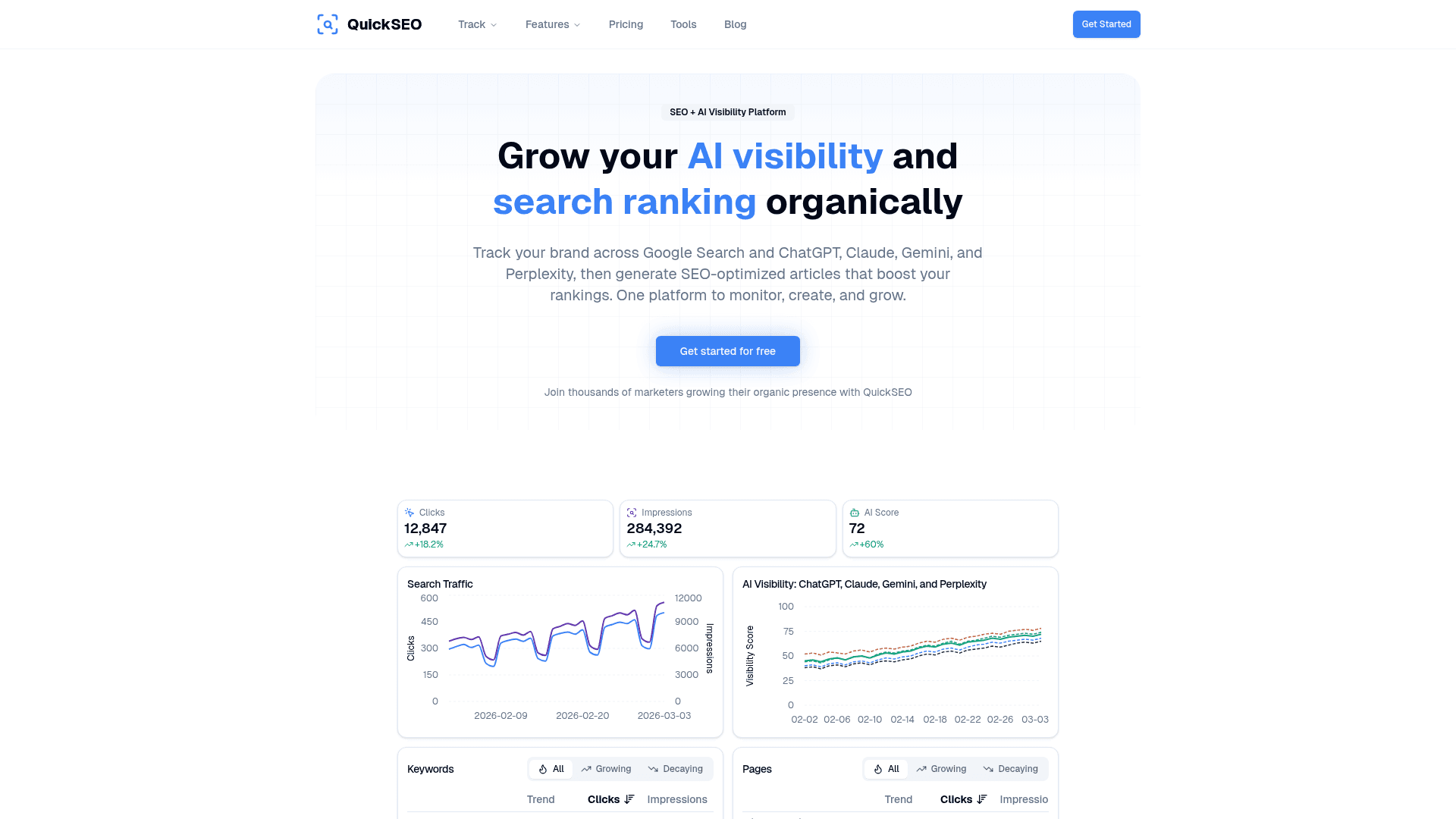
The full QuickSEO.ai platform — track AI visibility across ChatGPT, Claude, Gemini, and Perplexity alongside your Google Search Console data.
The Extension + The Platform: A Complete Picture
The Chrome extension is a free standalone tool, but it's also the perfect entry point into the broader quickseo.ai platform. While the extension gives you instant per-page insights, the full platform lets you:
Track your brand's AI visibility scores across ChatGPT, Claude, Gemini, and Perplexity over time
Monitor tracked prompts to see which queries your brand appears in across AI chatbots
Analyze Google Search Console data — clicks, impressions, CTR, and positions — alongside your AI visibility in one unified dashboard
Run competitor tracking to see how your brand compares in AI search responses
For marketers building a hybrid SEO and AI strategy, the extension is the quick-check layer, and the platform is the always-on intelligence layer. Together, they give you complete visibility across both Google and AI search — without guesswork.
You can explore the full AI visibility features and see how tracking your AI presence ties directly into the on-page signals the extension checks.
Conclusion
The QuickSEO Chrome extension fills a gap that most SEO tools have ignored: the bridge between classic on-page SEO and AI search readiness. In just one click, you get a complete picture of how well any page is optimized for both Google and AI platforms — with zero data collection, zero login friction, and zero cost.
Whether you're an SEO professional running quick audits, a blogger checking your posts before hitting publish, or a developer QA-ing pages before launch, the extension saves time and surfaces issues that would otherwise go unnoticed.
Install the QuickSEO Chrome extension for free and start auditing any page in seconds.
Enter your website to track its AI visibility across ChatGPT, Gemini, Claude, and Perplexity — and turn chatbot mentions into traffic.
- Set up in minutes
- Cancel anytime
Keep reading
Related posts
More articles on the same topics, prioritized by shared tags and keyword overlap.