Canonical Issue Audit: The Complete 2026 Guide to Finding & Fixing Canonical Tag Problems

 Summarize in ChatGPT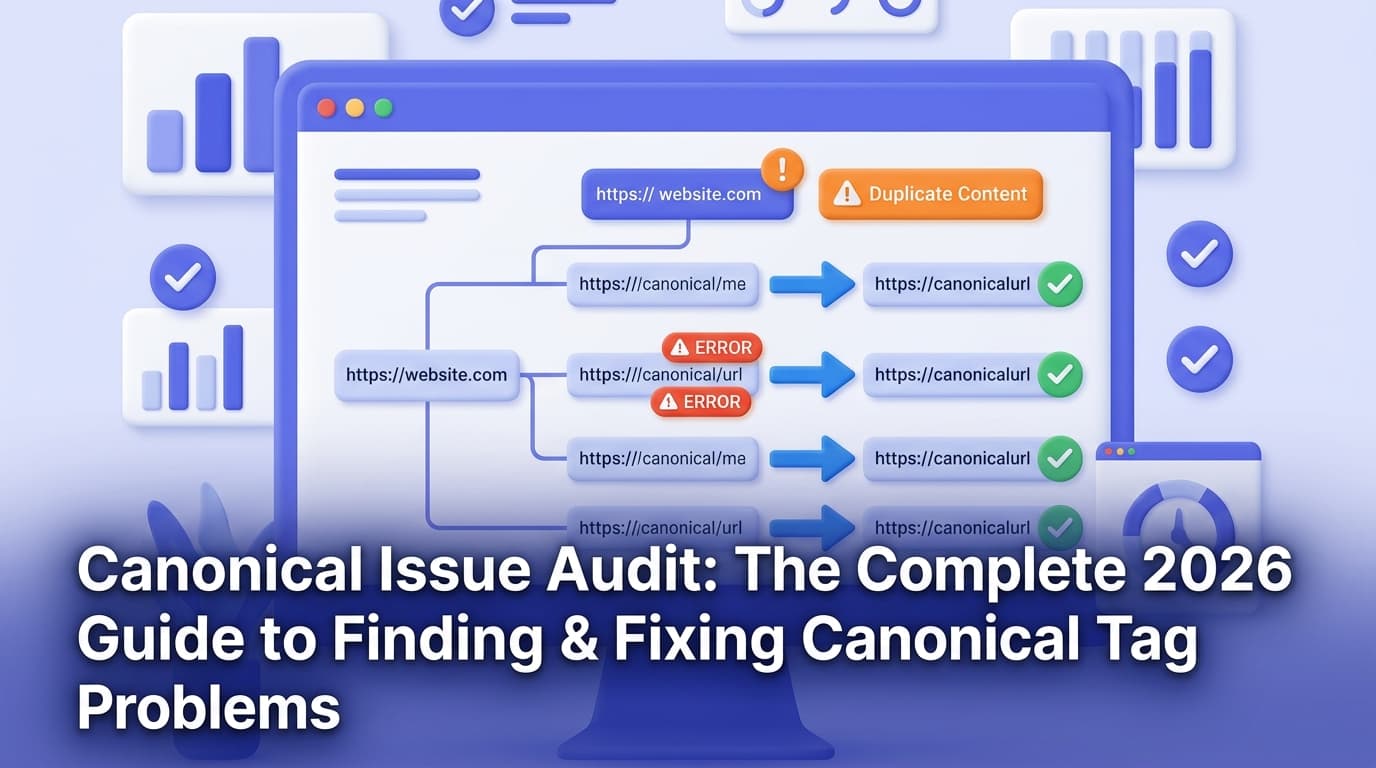
Canonical tag issues are one of the most silent — and most damaging — problems in technical SEO. A misplaced <link rel="canonical"> can cause search engines to index the wrong page, split your link equity across duplicate URLs, and waste crawl budget on content that adds zero value. Worst of all, the problems are often invisible until your rankings start slipping.
Canonical issues can silently undermine your SEO efforts if they're not resolved. A canonical issue occurs when search engines find multiple versions of the same or very similar content and do not know which version to index or rank — and this confusion can hurt search visibility, dilute ranking signals, and create duplicate content concerns.
In this guide, we'll walk you through exactly what canonical issues are, why they occur, the most common types you'll encounter, and — most importantly — a structured audit process for finding and fixing every one of them in 2026.
What Is a Canonical Tag (and Why Does It Matter)?
Canonicalization is a technical SEO method that lets you specify the preferred version of a webpage when multiple URLs contain similar or duplicate content. Think of it as naming the original source or master copy — by using canonical tags, you tell search engines which URL to index and rank.
A key reminder from Google: canonical is a hint, not a directive. If your signals conflict, Google can ignore your declared canonical and choose a different one.
This distinction matters enormously in 2026. As generative engine optimization (GEO) rises alongside traditional SEO, AI Overviews, ChatGPT, Perplexity, and other generative systems shape how content is selected, summarized, and attributed — and these engines rely on clear signals that identify the "true" version of a page. Canonicalization tells them which URLs to trust, which versions to ingest, and which pages to surface as authoritative answers.
Put simply: clean canonicals aren't just good for Google anymore. They matter for every AI-powered surface your content could appear on.
Why Canonical Issues Happen
Canonical problems rarely appear on purpose. Dynamic URLs — like URLs that change slightly because of tracking codes — can cause issues even when the page content stays the same. If you don't use a canonical tag to point to the main URL, search engines may treat each version as a separate page, causing duplicate content issues.
Here are the most common root causes:
CMS-generated duplicates — Your CMS creates separate URLs for the same product in different categories without canonical tags to consolidate them.
Faceted navigation and filters — Product variations, tag pages, session IDs, and faceted navigation can create near-duplicate pages if canonical tags are missing or incorrect.
www vs. non-www and HTTP vs. HTTPS — Common sources include www vs. non-www both resolving, HTTP and HTTPS both accessible, and trailing-slash inconsistencies.
Plugin or theme conflicts — Multiple canonical tags can happen when a CMS, theme, or SEO plugin adds one canonical tag while another is added manually or through custom code.
JavaScript rendering issues — The canonical in raw HTML must match the canonical after rendering, and "canonical changes during hydration" create conflicting signals.
A plugin update — A plugin update can break canonical tags overnight.
The 8 Most Common Canonical Tag Issues
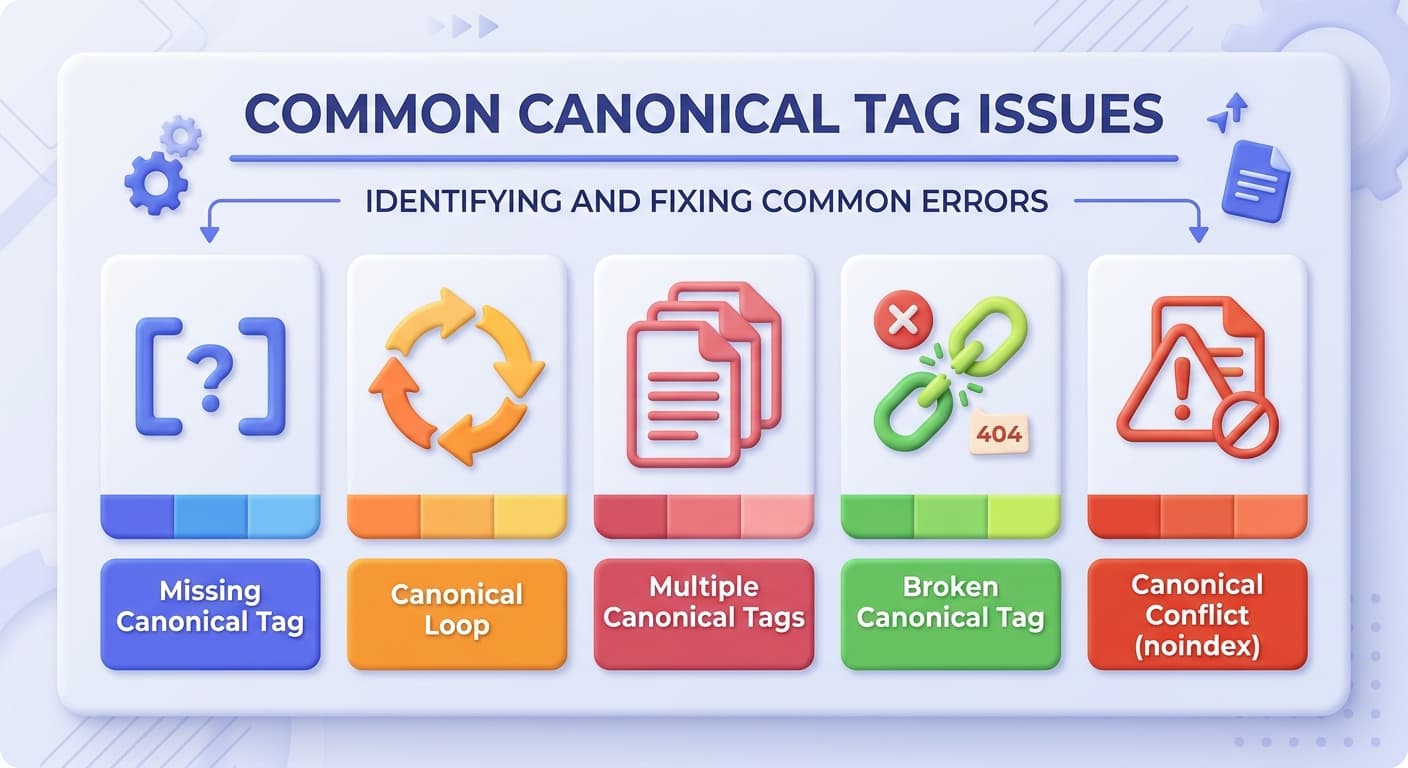
Understanding the specific flavors of canonical errors makes your audit far more efficient. Here are the eight issues you'll encounter most often:
1. Missing Canonical Tags
A missing canonical tag means search engines have to choose the preferred version of a page on their own. This is not always a serious problem, but it can become an issue when the same content is available through more than one URL.
2. Multiple Canonical Tags on One Page
A page should only have one canonical tag — multiple canonical tags can confuse search engines and lead to indexing issues. This typically occurs when a plugin and a theme both inject their own canonical tag independently.
3. Canonical Pointing to a 404 or Non-Existent URL
A canonical pointing to a 404 URL is one of the most common issues an audit catches. If your canonical tag points to a URL that returns a 404 error, Google will simply ignore it.
4. Canonical Chains and Loops
A canonical tag should point directly to the final preferred URL. For example, this setup is not ideal: Page A → canonical points to Page B → Page B redirects to Page C. A canonical loop — where canonical tags send Google in a loop — will cause Google to disregard the tag entirely.
5. Canonical Conflicts with Noindex
If you're using a canonical tag alongside a noindex tag on the same page, this sends mixed signals to search engines, and they might ignore your canonical tag.
6. Canonical Pointing to HTTP Instead of HTTPS
Canonical URLs pointing to HTTP instead of HTTPS create security concerns and indexing problems. Always use the secure HTTPS version in your canonical declarations.
7. Non-Canonical URLs in Your Sitemap
If you list a non-canonical URL in your sitemap but omit the canonical version, it sends a mixed message to search engines. Ensure your sitemap lists only the canonical versions.
8. Canonical Conflicts with Hreflang
A canonical that conflicts with hreflang is one of the most common issues a full audit catches. For multilingual sites, hreflang annotations work in tandem with canonicals. A common mistake is setting a canonical tag to a different language version, which conflicts with the hreflang specification — each language version should be self-canonical within its own language cluster.
Step-by-Step Canonical Issue Audit Process
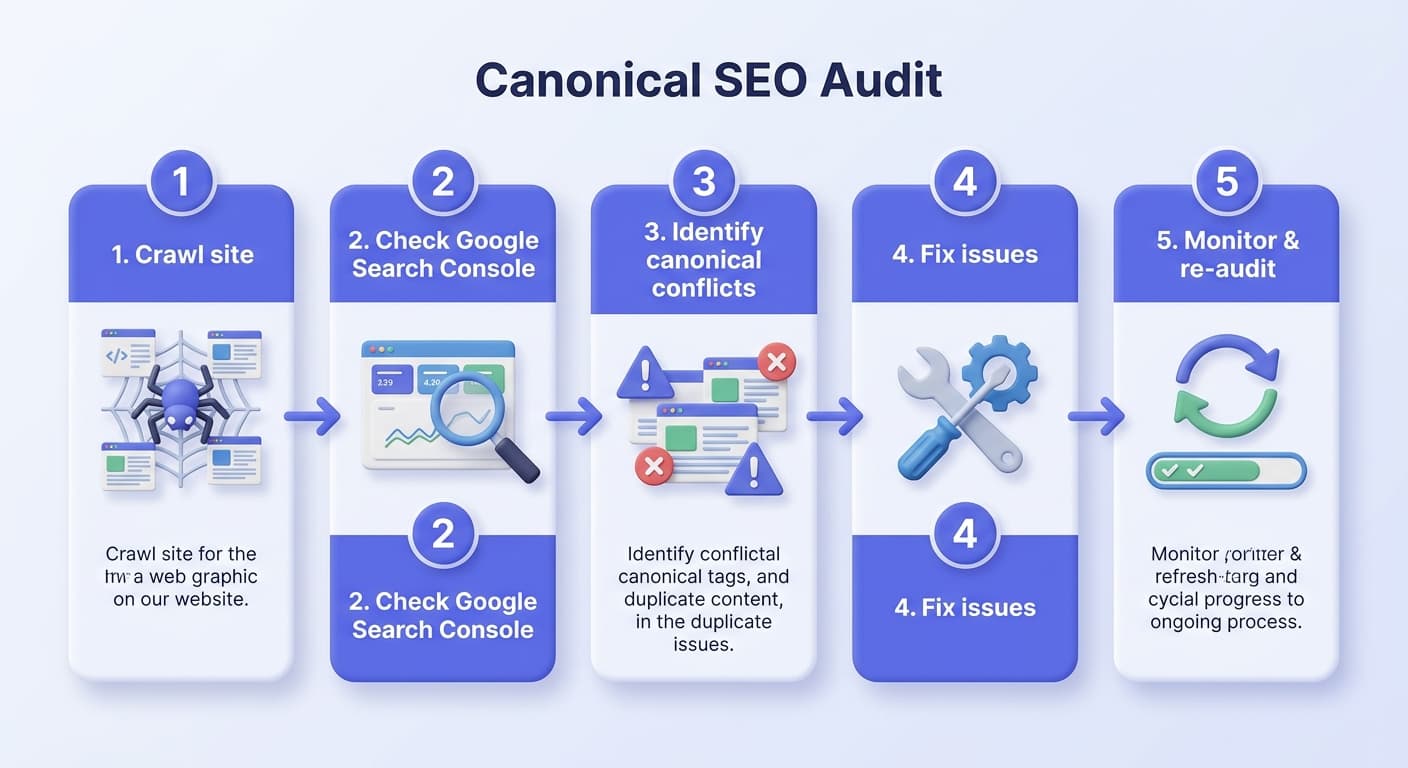
A thorough canonical audit should follow a repeatable, structured workflow. Here's the process we recommend:
Step 1: Crawl Your Entire Site
Start with a full site crawl to generate your baseline data. A strong audit combines crawling, Search Console signals, and business context.
During your crawl, look for:
Pages with missing canonical tags
Pages with multiple canonical tags
Canonical URLs that differ between raw HTML and post-render
Canonical chains (A → B → C instead of A → C)
Non-HTTPS canonical URLs
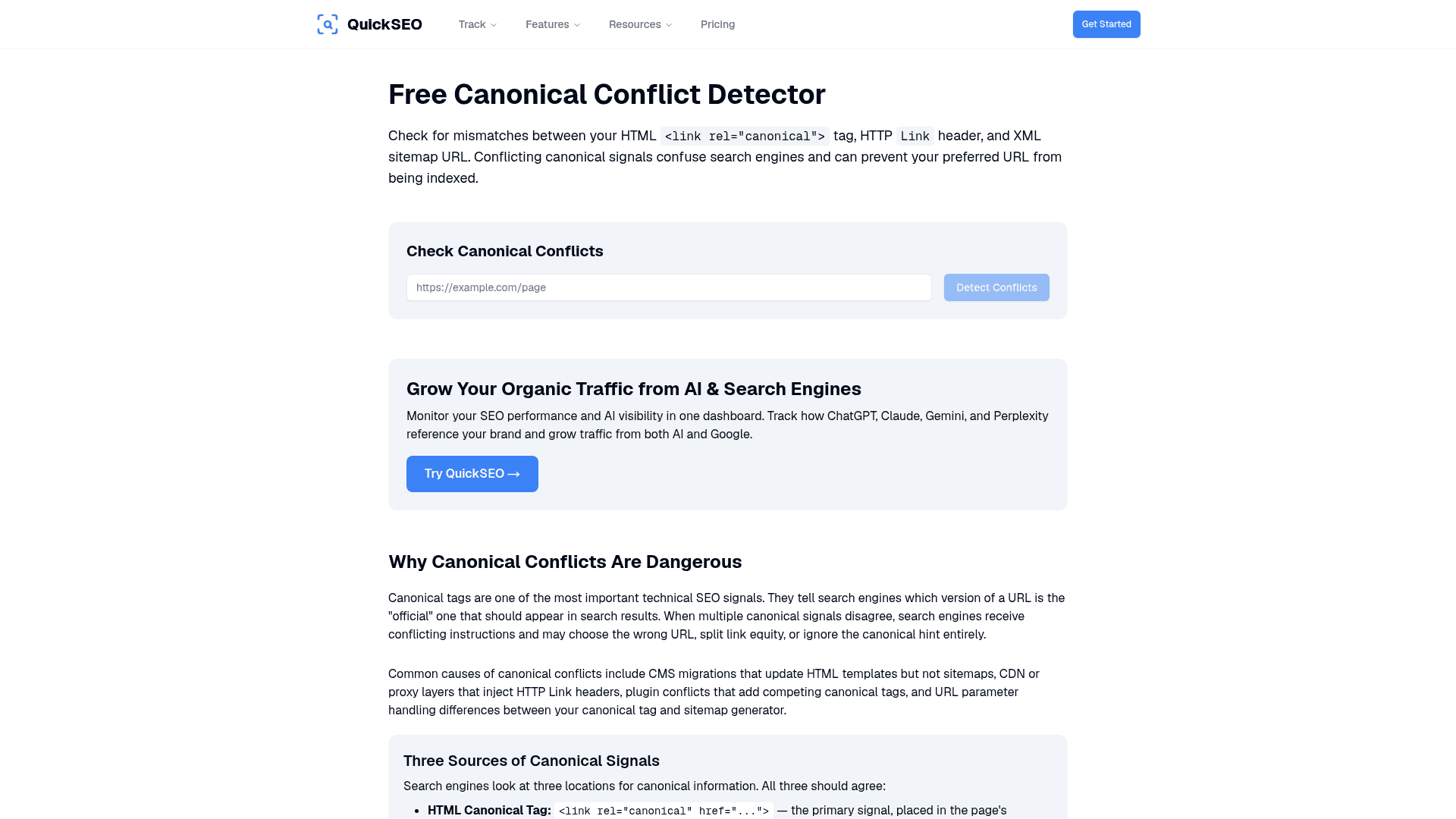
You can also use QuickSEO's Canonical Conflict Detector to quickly surface conflicting canonical signals across your site without needing a separate crawler setup.
Step 2: Audit Google Search Console
One of the simplest ways to detect canonical issues is through Google Search Console (GSC), where you can check canonical tags for a single URL or your entire website.
In GSC, navigate to Indexing > Pages > Why pages aren't indexed. Look for:
"Duplicate without user-selected canonical" — This means you have at least two very similar or identical pages and you haven't identified the canonical tag for one of them.
"Duplicate, Google chose different canonical than user" — Google ignored your directive and chose another page as the main version.
Scroll down to the Page Indexing section and check the Google-selected canonical field. If the "Google-selected canonical" tag and the "user-declared canonical" tag do not match, Google is indexing a different version of what you intended.
Step 3: Cross-Reference Your Sitemap
When you add a page to the sitemap, it's automatically suggested as canonical. That's why you should only include the pages you consider canonical in your sitemap — exclude every alternate page, and make sure to keep your sitemap updated with new canonical pages as you publish them.
Use QuickSEO's Sitemap Validator to quickly check whether your sitemap contains any URLs that conflict with your canonical declarations.
Step 4: Manually Inspect High-Priority Pages
Manually check your most important pages — homepage, service pages, product pages, location pages, category pages, and high-traffic blog posts. Right-click on any page, click "View Page Source," and search for "canonical." Then check that the canonical tag points to the correct URL, uses HTTPS, returns a 200 status code, and matches the version of the page you want search engines to index.
Step 5: Audit Your Internal Linking
If most of your internal links point to the "duplicate" URL (e.g., the one with parameters) instead of your declared canonical URL, Google might choose the more linked version — overriding your canonical declaration entirely. Make sure internal links consistently point to canonical URLs. QuickSEO's Internal Linking Audit tool makes it easy to spot links pointing to non-canonical URL variants at scale.
Step 6: Check JavaScript Rendering
Google can process JS-injected canonicals, but it is not the preferred implementation path. The safer pattern is to render canonicals in the initial HTML, aligned with Google's JavaScript SEO guidance. Compare raw HTML vs. rendered HTML to ensure your canonicals aren't changing during hydration.
How to Fix the Most Common Canonical Issues
Once you've identified problems, here's how to fix each one:
Issue | Fix |
|---|---|
Missing canonical tag | Add |
Multiple canonical tags | Remove duplicates — keep exactly one per page |
Canonical pointing to 404 | Update the href to a live, 200-status URL |
Canonical chain/loop | Point all duplicates directly to the final canonical URL |
HTTP canonical | Update all canonical hrefs to use |
Non-canonical URLs in sitemap | Remove alternate/non-canonical URLs from your sitemap |
Canonical + noindex conflict | Decide: remove noindex to allow indexing, or remove canonical if the page shouldn't be indexed |
Canonical vs. hreflang conflict | Keep each language page self-canonical; use hreflang separately for language targeting |
The core principle: make all signals agree. Internal links, sitemap URLs, breadcrumbs, and canonical targets should consistently point to the same preferred URL.
Always place canonical tags in the <head> section of your HTML, and use absolute URLs (e.g., https://example.com/page/) instead of relative ones.
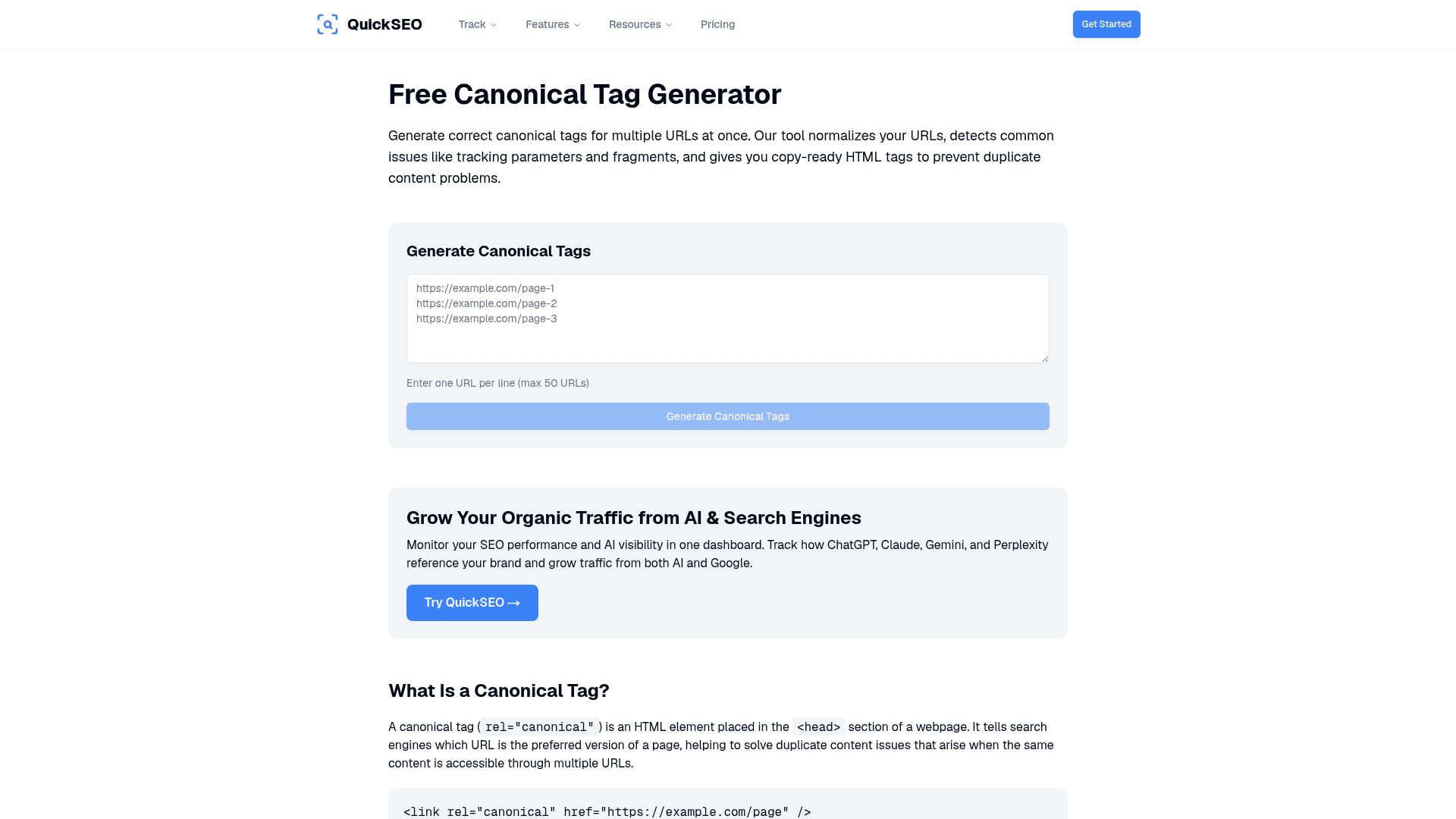
If you need to generate a properly formatted canonical tag fast, QuickSEO's Canonical Tag Generator handles the syntax for you:
Canonical Issues in Ecommerce: Special Considerations
Ecommerce sites are particularly vulnerable to canonical problems. This is common in eCommerce, blogs with tags/categories, and filtered product pages.
Product variants (color, size) generate multiple URLs with the same core content — and without proper canonical tags, search engines are left to guess which version should rank.
For large ecommerce stores:
Ensure your product variant pages (e.g.,
?color=red) all canonical back to the main product pageAvoid linking to filtered or variant URLs from your navigation menus
Make sure your menus and category pages link to the main product URLs, avoid linking to filtered or variant URLs, and ensure filtered pages point to the main product list
Canonical Audits and AI Search Visibility
Here's something most SEOs overlook in 2026: canonical tags now affect your visibility in AI-generated answers, not just traditional search rankings.
In 2026, the clearer and more consistent your canonical declarations are, the more reliably both crawlers and generative engines can understand which version represents the authoritative source. Clean canonical signals reduce ambiguity, consolidate ranking equity, and help ensure the right version is surfaced and summarized across all search experiences.
According to Cloudflare Radar's Q1 2026 report, bots now account for 30.6% of all web traffic, and most of them (GPTBot, ClaudeBot, PerplexityBot, CCBot) don't render JavaScript. That fundamentally reshuffles audit priorities — today, one of the most important questions isn't only "can Googlebot see my site," but also "can GPTBot and Perplexity pull facts from it to cite in an AI Overview?"
If your canonical signals are conflicting, AI crawlers may ingest the wrong version of your content — or skip your pages altogether. This is a new and increasingly critical dimension of the canonical audit checklist.
How Often Should You Run a Canonical Audit?
Proper canonical tag management consolidates link equity, improves crawl efficiency, and stabilizes rankings — so monitor regularly with weekly crawls, monthly reviews, and quarterly deep dives to ensure long-term performance.
More specifically:
Weekly: Quick crawl checks, especially after content or URL changes
Monthly: Review canonical setups across product pages, category pages, blog posts, and faceted navigation
Quarterly: Deep-dive into complex setups — cross-domain canonicals, regional site variations, and mobile/desktop URL relationships
Immediately: After any CMS update, site migration, platform change, or major traffic drop
Canonical audits are especially crucial after events like content migrations, URL updates, platform changes, or launching new pages.
Canonical Audit Best Practices Checklist
Use this checklist as your canonical audit baseline every time:
Every indexable page has exactly one self-referencing canonical tag
All canonical URLs use HTTPS (not HTTP)
No canonical tag points to a 404, redirected, or noindex page
No canonical chains exist — all duplicates point directly to the final canonical
Canonical and noindex tags are not used together on the same page
Your XML sitemap only includes canonical URLs
Internal links consistently point to canonical URL versions
For multilingual sites, hreflang and canonical tags do not conflict
Canonical tags appear in raw HTML, not only after JavaScript renders
Google's selected canonical matches your declared canonical in GSC
🚀 Track Your SEO Health — Including Canonical Issues — From One Dashboard
Canonical conflicts, duplicate content, and indexing problems can cost you rankings silently. QuickSEO gives you a complete technical SEO audit alongside AI visibility tracking — so you can see how your site performs on Google Search and in AI chatbots like ChatGPT, Claude, and Gemini. Spot canonical issues before they hurt your rankings, and track whether your pages are being cited by AI. Start your free audit at quickseo.ai →
Conclusion
Canonical tag issues don't announce themselves — they quietly erode your search visibility, dilute link equity, and confuse crawlers over time. A site can have excellent content and strong backlinks and still rank poorly because of a misconfigured robots.txt, a broken canonical tag, or Core Web Vitals scores that fail on mobile.
Running a structured canonical issue audit — combining a full site crawl, Google Search Console analysis, internal link review, and sitemap validation — gives you the visibility you need to catch these problems before they become ranking emergencies.
In 2026, the real win is architectural: canonicals must align with internal links, sitemaps, redirects, hreflang, rendering, and template rules. Otherwise, search engines may cluster your pages incorrectly and pick a different canonical than you intended.
Use the tools, audit regularly, and keep your canonical signals consistent — your rankings (and your AI search citations) will thank you.
Enter your website to track its AI visibility across ChatGPT, Gemini, Claude, and Perplexity — and turn chatbot mentions into traffic.
- Set up in minutes
- Cancel anytime
Try it yourself
Related free tools
Free SEO tools related to the topics covered in this article.
Keep reading
Related posts
More articles on the same topics, prioritized by shared tags and keyword overlap.