Free Meta Description Pixel Tester
Enter any URL to measure the pixel width of its meta description. See whether your snippet will be truncated in Google search results on desktop and mobile, with a visual SERP preview and optimization suggestions.
Check Meta Description Pixel Width
QuickSEO shows clicks, impressions, keywords and pages for every website you manage, compared with the period before.
- Unlimited websites on the free plan
- No credit card needed
Why Pixel Width Matters More Than Character Count
The common advice to "keep meta descriptions under 160 characters" is an oversimplification. Google does not truncate description snippets based on character count — it truncates based on pixel width. A description full of wide characters like W, M, and uppercase letters will be cut off at fewer characters, while a description with narrow characters like i, l, and t can display well beyond 160 characters without truncation.
For example, "AWARD-WINNING PREMIUM SOFTWARE" (31 characters) takes up more pixel space than "elite lifestyle tips for better living" (38 characters) because uppercase and wide letters consume significantly more horizontal space in Arial 14px, which Google uses to render SERP description snippets.
Google SERP Description Display Limits
- Desktop limit: ~920 pixels — Description snippets exceeding this width are truncated with an ellipsis (...). This roughly translates to 150-170 characters depending on the characters used.
- Mobile limit: ~680 pixels — Mobile SERPs have a narrower viewport, cutting descriptions shorter. This corresponds to roughly 110-130 characters depending on character width.
- Font: Arial ~14px — Google renders SERP description snippets in Arial at approximately 14px. Each character has a different pixel width, which is why measuring pixel width per-character gives the most accurate truncation prediction.
- Recommended range: 120-160 characters — This range typically fits within both desktop and mobile pixel limits while providing enough text to be compelling and informative.
How to Optimize Meta Description Length
Front-load your value proposition
Place your most compelling message and primary keyword at the beginning of the description. Even if it gets truncated, users will see the most important information first, improving your click-through rate.
Include a call-to-action
Phrases like "Learn more", "Get started free", or "Compare plans" encourage clicks. Place these after your main value proposition to make the description actionable.
Match search intent
Google is more likely to use your meta description (instead of generating its own) when it closely matches what the user is searching for. Include terms and phrases that align with your target queries.
Avoid wide character bloat
Uppercase letters, symbols like @ and %, and letters like W and M take significantly more pixel space. Use title case sparingly and prefer lowercase where appropriate to maximize the amount of text that displays without truncation.
How Google Handles Meta Descriptions
Google does not always use the meta description you provide. In roughly 60-70% of cases, Google generates its own snippet by pulling relevant text from the page content that best matches the search query. However, writing a well-optimized meta description still matters for several reasons:
- Increased usage rate: Descriptions that match common search intents for the page are used by Google more often. A generic description gets replaced more frequently.
- Social sharing: When your page is shared on social media or messaging platforms, the meta description is typically used as the preview text.
- CTR signal: A compelling meta description improves click-through rates, which is a user engagement signal that can indirectly influence rankings.
- Brand consistency: Writing your own description ensures your brand voice and messaging are consistent across search results.
How to Use This Tool
- Enter a URL — Type or paste any web page address. The tool automatically adds https:// if missing.
- Click "Check" — The tool fetches the page HTML and extracts the meta description tag.
- Review pixel widths — See the calculated desktop and mobile pixel widths with color-coded progress bars showing how close you are to the truncation limit.
- Check the SERP preview — See exactly how your description snippet would appear in Google search results, including truncation with ellipsis if applicable.
- Follow suggestions — Act on the specific recommendations to optimize your meta description for maximum SERP visibility.
Frequently Asked Questions
Why does pixel width matter for meta descriptions?
Google truncates meta description snippets in search results based on pixel width, not character count. A description full of wide characters like W, M, and uppercase letters will be cut off sooner, while narrow characters like i, l, and t allow more text to display. Measuring pixel width gives a more accurate truncation prediction than counting characters alone.
What is the maximum pixel width for meta descriptions in Google SERPs?
On desktop, Google truncates meta description snippets at approximately 920 pixels. On mobile, the limit is narrower at around 680 pixels due to the smaller screen width. These limits correspond roughly to 155-160 characters on desktop and 120 characters on mobile, but the actual cutoff depends on the specific characters used.
What is the ideal meta description length?
The recommended meta description length is 120-160 characters, or roughly 680-920 pixels wide in Arial 14px. Descriptions shorter than 120 characters waste valuable snippet space, while those over 160 characters risk truncation. The sweet spot is writing a compelling, keyword-rich description that fills most of the available space without being cut off.
Does Google always use my meta description in search results?
No. Google generates its own snippet from page content in roughly 60-70% of cases, especially when the meta description does not match the search query. However, a well-written meta description that closely matches common search intents increases the chance Google will use it. Even when Google rewrites the snippet, the meta description still serves as a signal for social sharing and brand consistency.
What font does Google use for meta description snippets?
Google renders meta description snippets in Arial at approximately 14px on desktop. Mobile uses a slightly smaller font size. This is why pixel width calculations for descriptions should use Arial 14px character metrics for the most accurate truncation predictions.
QuickSEO shows clicks, impressions, keywords and pages for every website you manage, compared with the period before.
- Unlimited websites on the free plan
- No credit card needed
From the blog
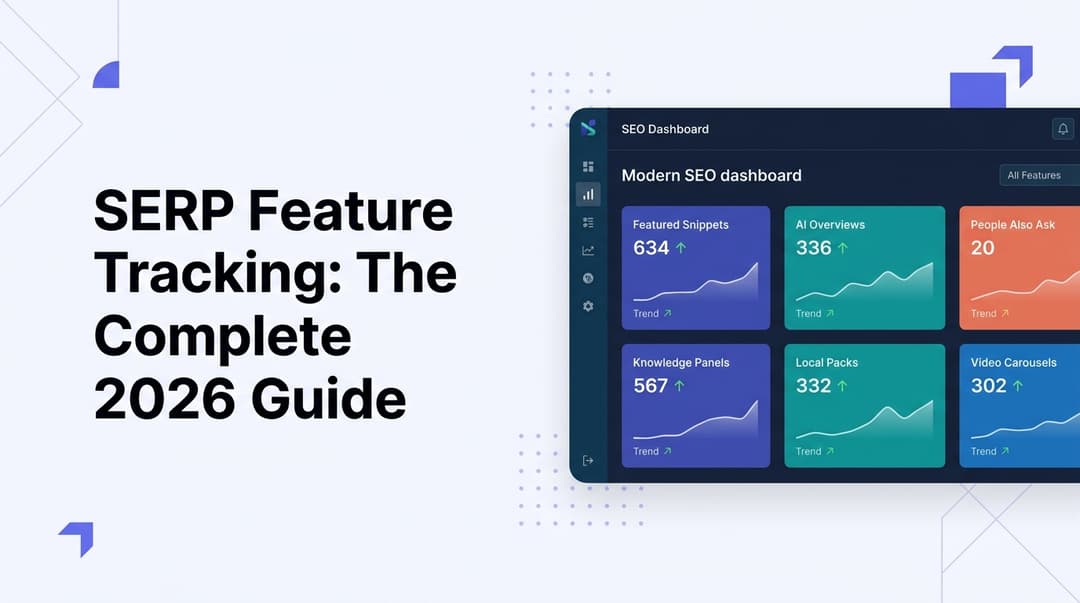
SERP Feature Tracking: The Complete 2026 Guide
Learn how to track SERP features in 2026—from featured snippets to AI Overviews. Master the tools, tactics, and strategies to dominate modern search results.
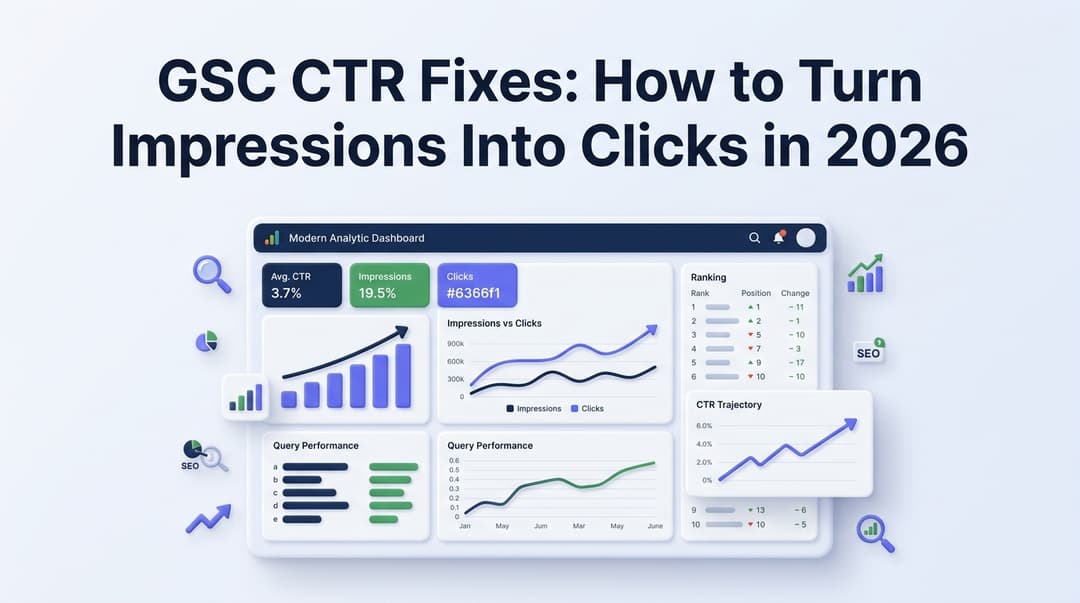
GSC CTR Fixes: How to Turn Impressions Into Clicks in 2026
Discover actionable GSC CTR fixes for 2026. Learn how to identify low click-through rate pages in Google Search Console and turn impressions into real traffic.
Related Tools
Preview how your pages appear in Google search results with real-time title and description character counters.
Meta Tag AnalyzerExtract and analyze all meta tags from any URL with completeness scores.
AI Meta Description GeneratorGenerate optimized meta descriptions with character counts and quality scores.
Title Pixel Width TesterMeasure rendered title tag width in pixels to predict Google SERP truncation.