Free OpenGraph Image Generator
Create professional 1200×630 OpenGraph images for social media previews. Choose a template, customize text and colors, upload your logo, and download as PNG — no design skills needed.
Enter your website to track its AI visibility across ChatGPT, Gemini, Claude, and Perplexity — and turn chatbot mentions into traffic.
- Set up in minutes
- Cancel anytime
Why OG Images Matter for SEO & Social
OpenGraph images are the preview thumbnails that appear when your content is shared on social media. A compelling OG image dramatically increases click-through rates — posts with custom images get 3× more engagement than those with auto-generated previews.
OG Image Best Practices
- Size: 1200×630 pixels (1.91:1 ratio) — supported by all major platforms
- File size: Keep under 8MB; under 1MB is ideal for fast loading
- Text: Use large, readable fonts — text must be legible at small sizes
- Safe zone: Keep key content within the center 900×500 area to avoid cropping on some platforms
- Branding: Include your logo and brand colors for recognition
- Format: PNG or JPG — PNG preserves quality for designs with text
How to Add Your OG Image
- Upload the image to your web server or CDN
- Add meta tags to your HTML
<head>:<meta property="og:image" content="https://yoursite.com/og-image.png"> <meta property="og:image:width" content="1200"> <meta property="og:image:height" content="630"> <meta name="twitter:card" content="summary_large_image"> <meta name="twitter:image" content="https://yoursite.com/og-image.png"> - Test your tags with the Open Graph Checker or Facebook's Sharing Debugger
- Refresh the cacheon social platforms if you've updated an existing image
Frequently Asked Questions
What is an OG image?
An OG (OpenGraph) image is the preview image shown when your webpage is shared on social media. It's defined via the og:image meta tag and appears as the visual preview on Twitter/X, LinkedIn, Facebook, Slack, and messaging apps.
What size should my OG image be?
1200×630 pixels is the standard recommended by Facebook, Twitter/X, and LinkedIn. This 1.91:1 aspect ratio ensures your image displays correctly across all platforms without cropping or distortion.
How do I add an OG image to my website?
Upload the PNG to your hosting and add <meta property="og:image"> and <meta name="twitter:image"> tags to your page's <head>. In Next.js, use the metadata.openGraph.images API.
Can I use this tool for free?
Yes — completely free, no account required, no watermarks. Create and download unlimited OG images directly in your browser.
Enter your website to track its AI visibility across ChatGPT, Gemini, Claude, and Perplexity — and turn chatbot mentions into traffic.
- Set up in minutes
- Cancel anytime
From the blog
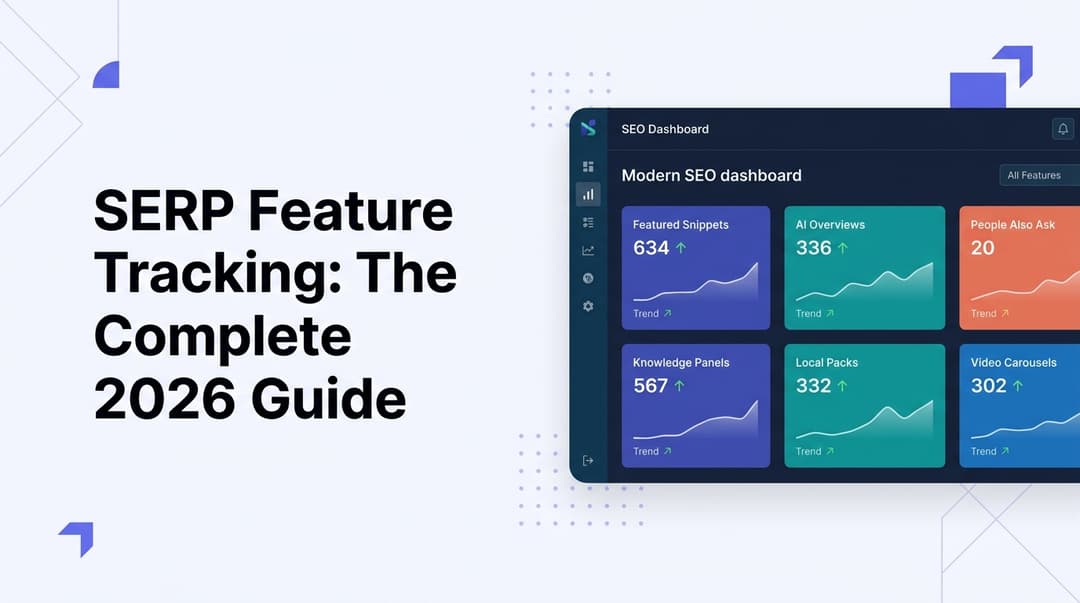
SERP Feature Tracking: The Complete 2026 Guide
Learn how to track SERP features in 2026—from featured snippets to AI Overviews. Master the tools, tactics, and strategies to dominate modern search results.
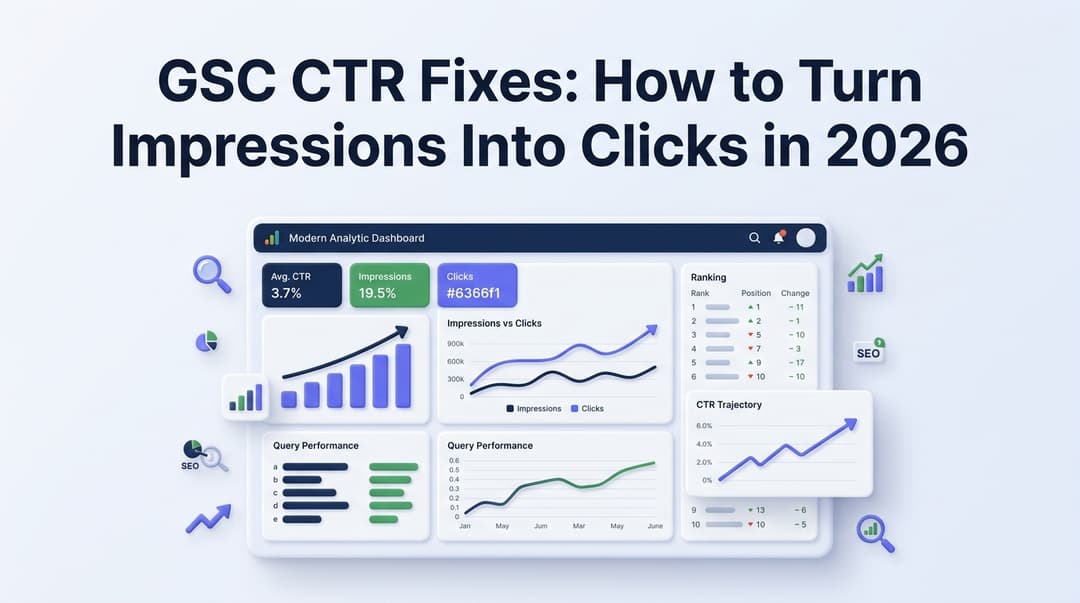
GSC CTR Fixes: How to Turn Impressions Into Clicks in 2026
Discover actionable GSC CTR fixes for 2026. Learn how to identify low click-through rate pages in Google Search Console and turn impressions into real traffic.